97
Printing
5
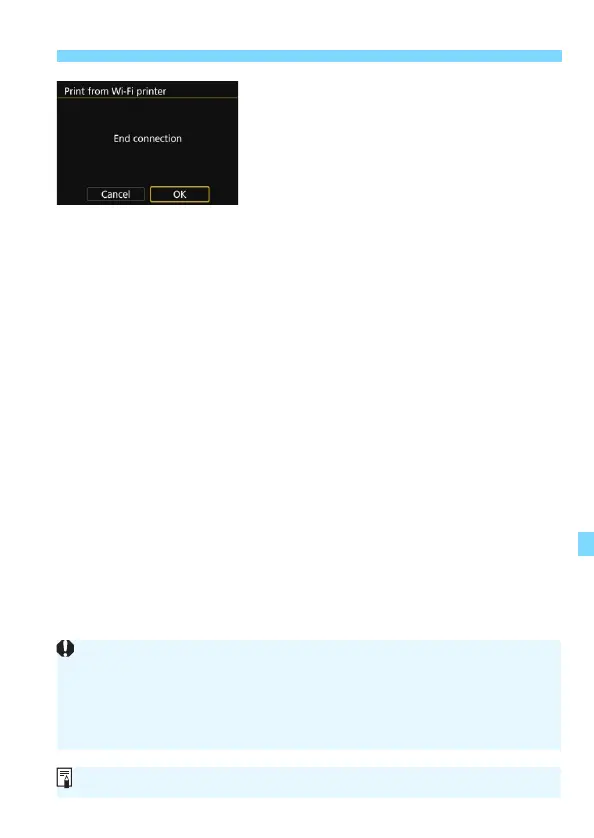
Terminate the connection.
Press the <M> button to return to
the screen in step 1.
Press the <M> button again to
display the confirmation dialog. Press
the <Z> key to select [OK], then
press <0> to terminate the
connection.
X The [Wi-Fi function] screen will
reappear.
While connected, a picture cannot be taken even if the camera’s shutter
button is pressed.
When printing a large number of images or large files (total size), make
sure that the battery is adequately charged so it does not run out during
the process.
Movies cannot be printed.
You can also print RAW images taken with this camera.


 To Next Page