Program AE Mode (P)
The camera automatically sets the shutter speed and aperture value to suit the subject's
brightness.
* < > stands for Program.
* AE stands for Auto Exposure.
1.
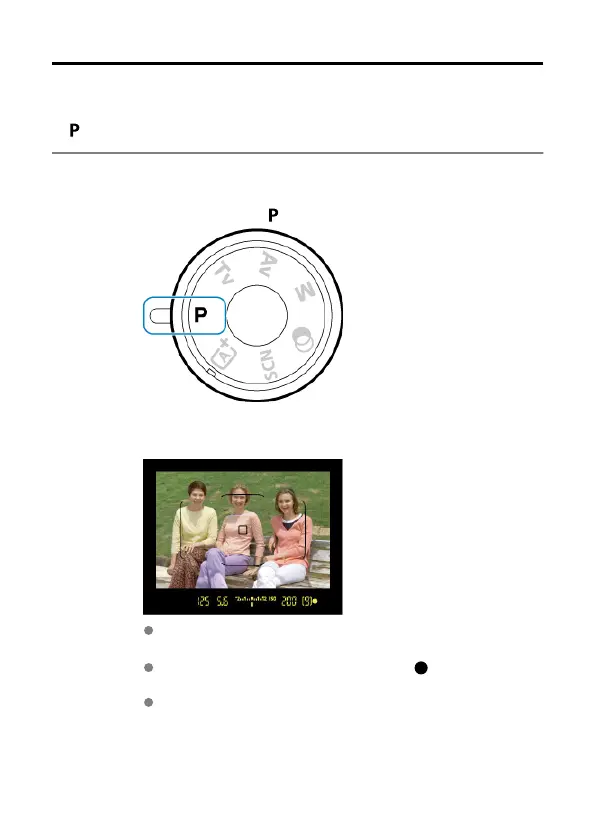
Set the Mode dial to
<
>.
2.
Focus on the subject.
As you look through the viewfinder, aim the AF point over the subject,
then press the shutter button halfway.
After the camera focuses, the focus indicator < > in the lower right of
the viewfinder lights up (in One-Shot AF mode).
The shutter speed and aperture value will be set automatically and
displayed in the viewfinder.
142



 To Next Page