Setting the Screen Display Level
Shooting Screen
Menu Display
Shooting Mode Guide
Feature Guide
You can set how information is displayed on the screen according to your preference.
Change the settings as necessary.
1.
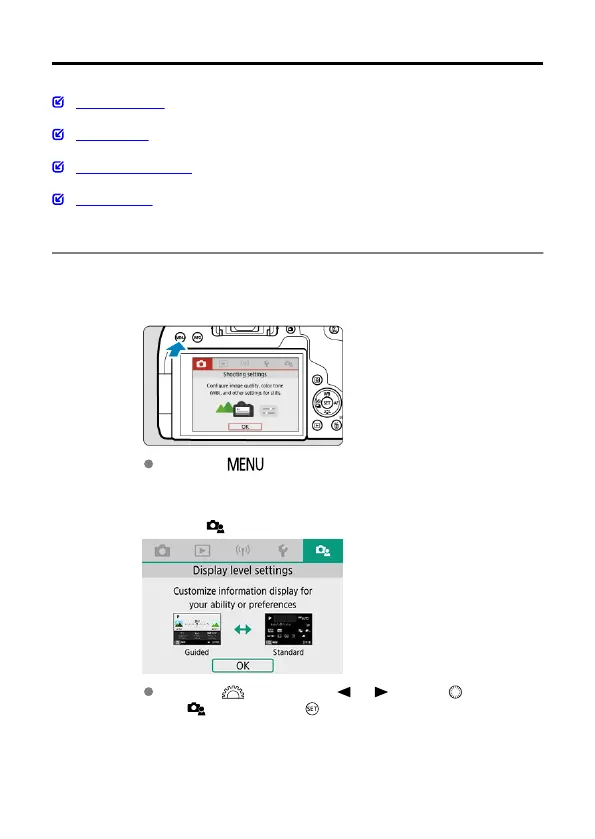
Display the main tabs.
Press the < > button to display the menu screen.
2.
Select the [ ] tab.
Turn the < > dial or press < > < > on the < > dial to select
the [ ] tab, then press < >.
72



 To Next Page