Photobook Set-up
Specifying Images Individually
Specifying the Image Range for a Photobook
Specifying All Images in a Folder or Card
You can specify up to 998 images for printing in a photobook. When you use EOS Utility
(EOS software) to import images to a computer, the specified images for a photobook will be
copied to a dedicated folder. This function is useful for ordering photobooks online.
Specifying Images Individually
1.
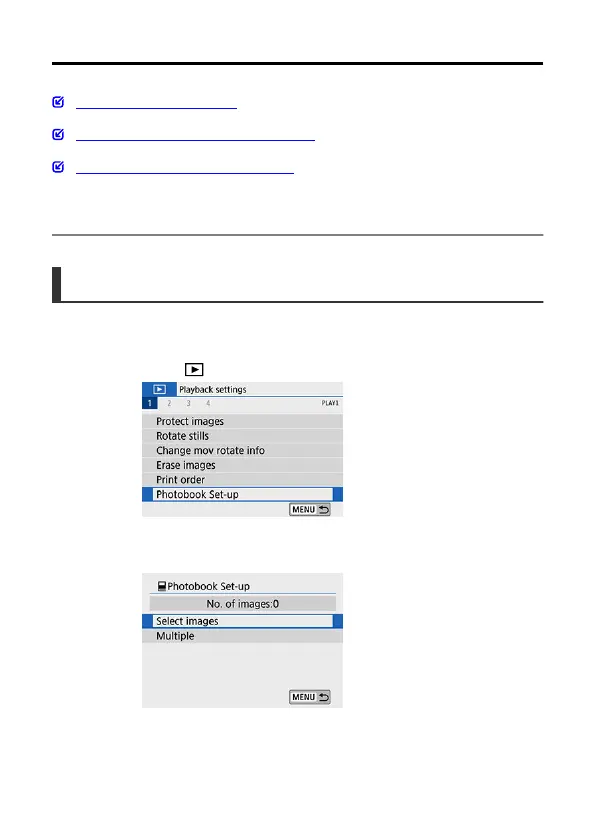
Select [ : Photobook Set-up].
2.
Select [Select images].
443



 To Next Page