Manual Exposure Mode (M)
In this mode, you set both the shutter speed and aperture value as desired. To determine
the exposure, refer to the exposure level indicator in the viewfinder or use a commercially
available exposure meter.
* < > stands for Manual.
1.
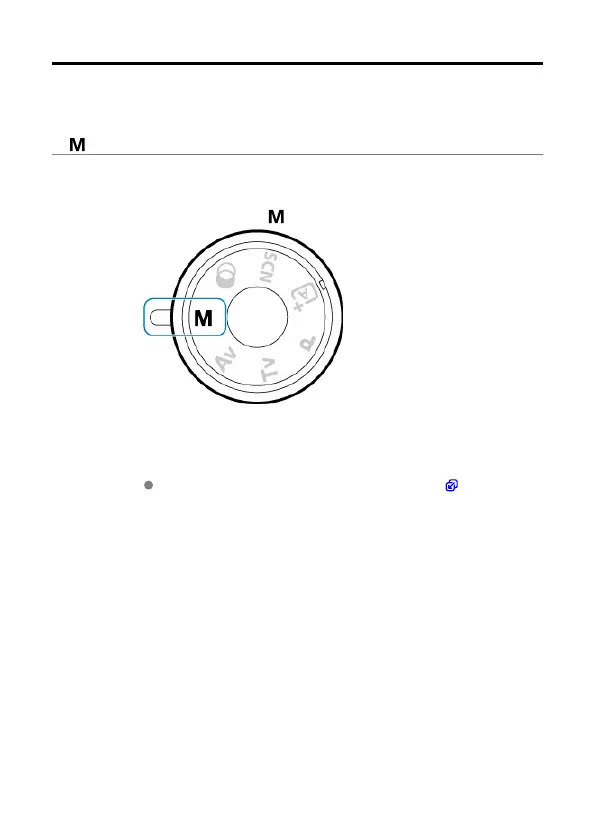
Set the Mode dial to < >.
2.
Set the ISO speed.
With ISO Auto, you can set exposure compensation ( ).
152



 To Next Page