Connecting to a Printer via Wi-Fi
Image Printing
Print Settings
This section describes how to print images by directly connecting the camera to a printer
supporting PictBridge (Wireless LAN) via Wi-Fi. For printer operating instructions, refer to
the printer user manual.
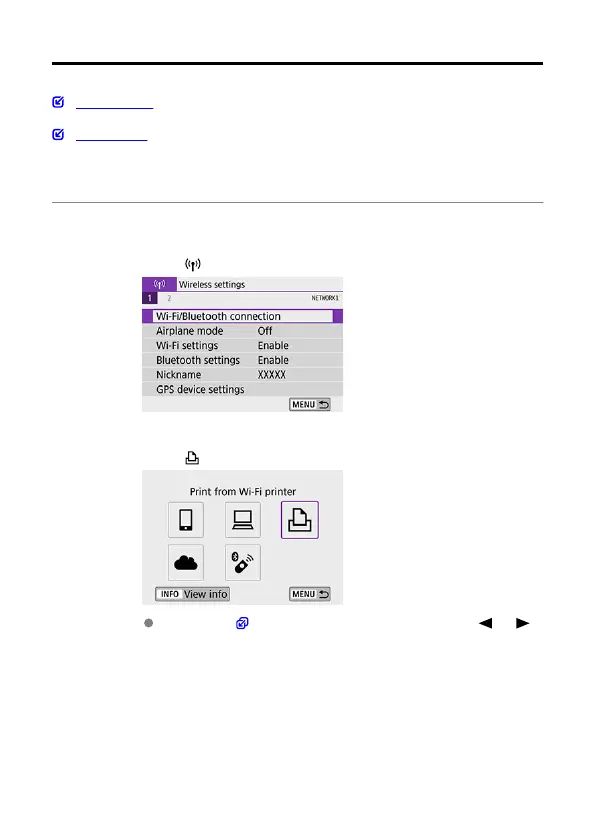
1.
Select [ : Wi-Fi/Bluetooth connection].
2.
Select [ Print from Wi-Fi printer].
If the history ( ) is displayed, switch the screen with the < > < >
keys.
554



 To Next Page