Inserting/Removing Cards
Insertion
Formatting the Card
Removal
The captured images are recorded onto the card.
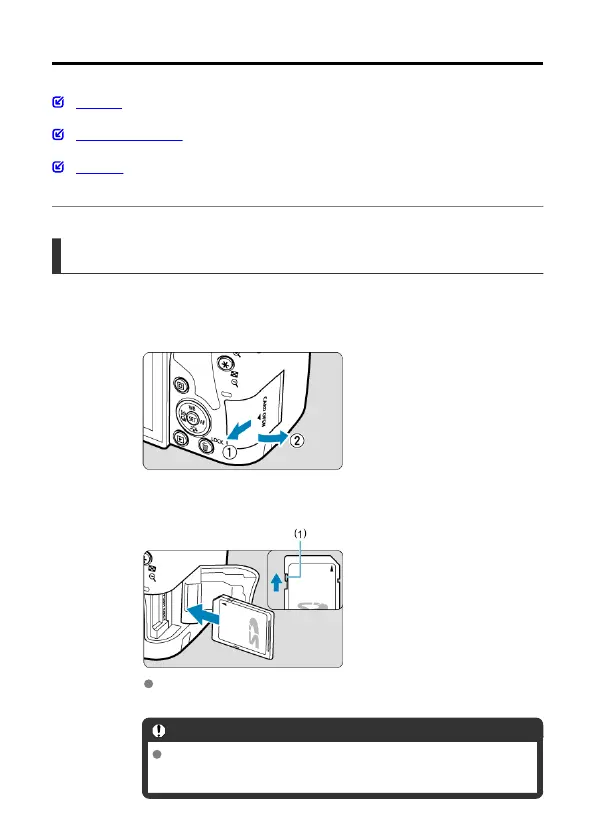
Insertion
1.
Slide the cover to open it.
2.
Insert the card.
As shown by the illustration, face the card's label side toward you and
insert it until it clicks in place.
Caution
Make sure the card's write-protect switch (1) is set upward to
enable writing and erasing.
46



 To Next Page