Viewing the Screen as You Shoot (Live View
Shooting)
1.
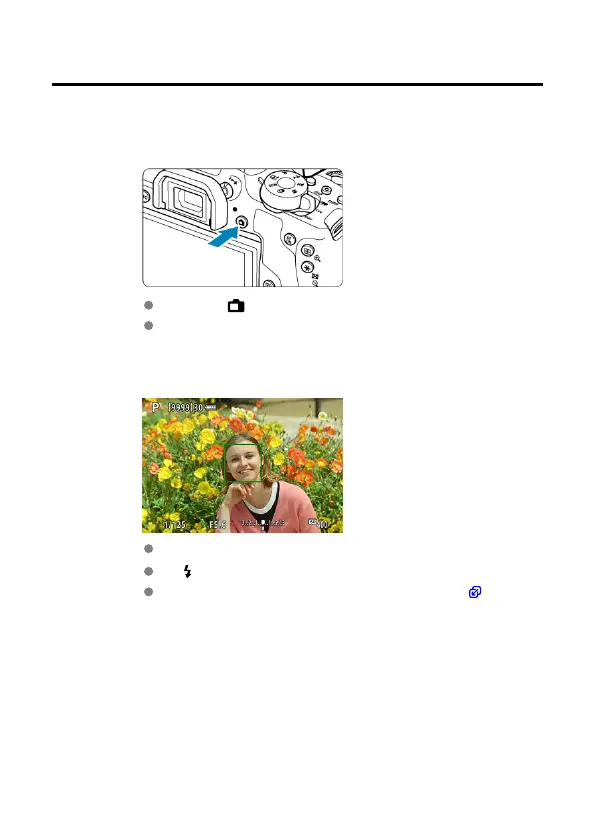
Display the Live View image.
Press the < > button.
Live View images are displayed nearly as bright as your shots.
2.
Focus on the subject.
Press the shutter button halfway to focus.
If < > blinks, manually raise the built-in flash.
You can also tap the screen to select the face or subject ( ).
99



 To Next Page