Image Quality
RAW Images
Guide to Image Quality Settings
Maximum Burst for Continuous Shooting
1.
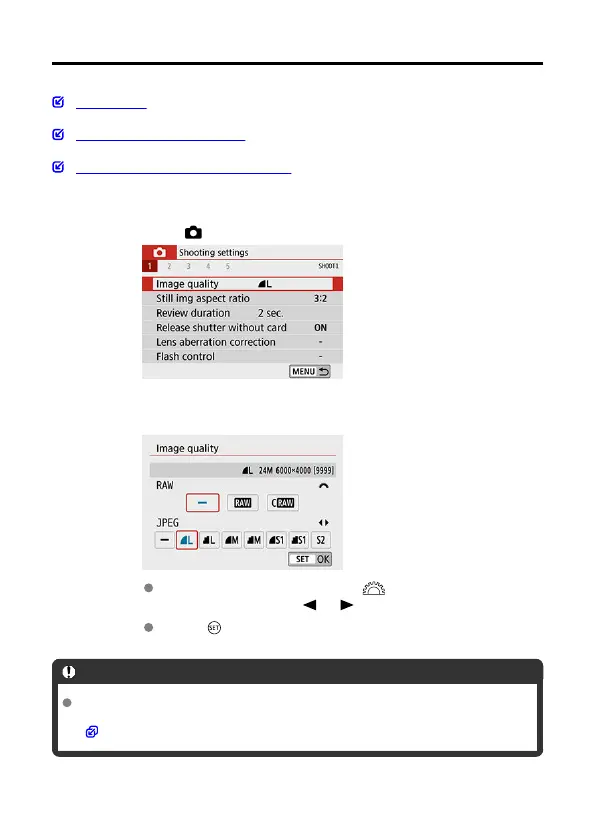
Select [ : Image quality].
2.
Set the image quality.
To select the RAW quality, turn the < > dial, and to select the
JPEG quality, press the < > < > keys.
Press < > to set it.
Caution
Number of shots available as indicated by [****] on the image quality setting screen
always applies to a setting of [3:2], regardless of the actual aspect ratio setting
( ).
263



 To Next Page