Depth-of-Field Preview
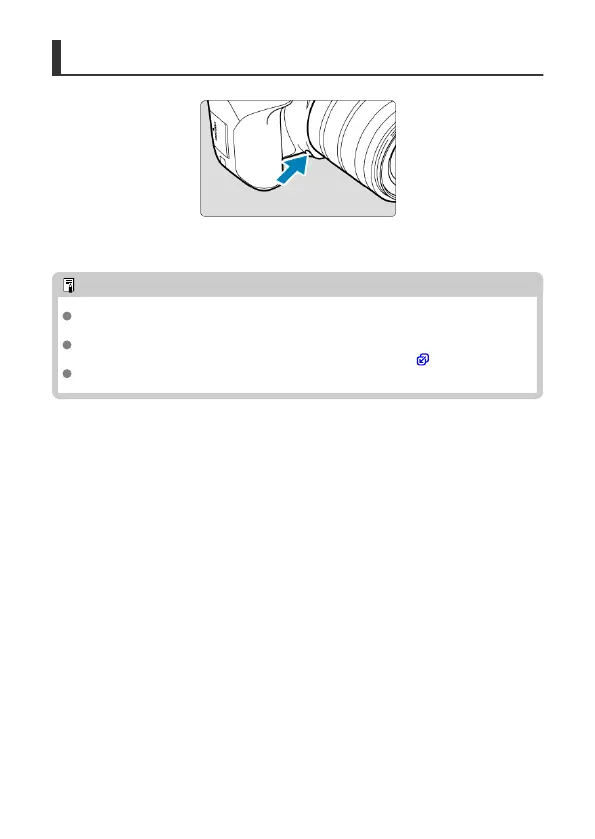
Press the depth-of-field preview button to stop down the lens to the current aperture value
and check the area in focus (depth of field).
Note
The larger the aperture value, the wider the area (from the foreground to the
background) in focus, but the darker the viewfinder display.
The depth-of-field effect is readily apparent on the Live View image as you change
the aperture value and press the depth-of-field preview button ( ).
Exposure is locked (AE lock) as you hold down the depth-of-field preview button.
151



 To Next Page