Adding to an Existing Album
1.
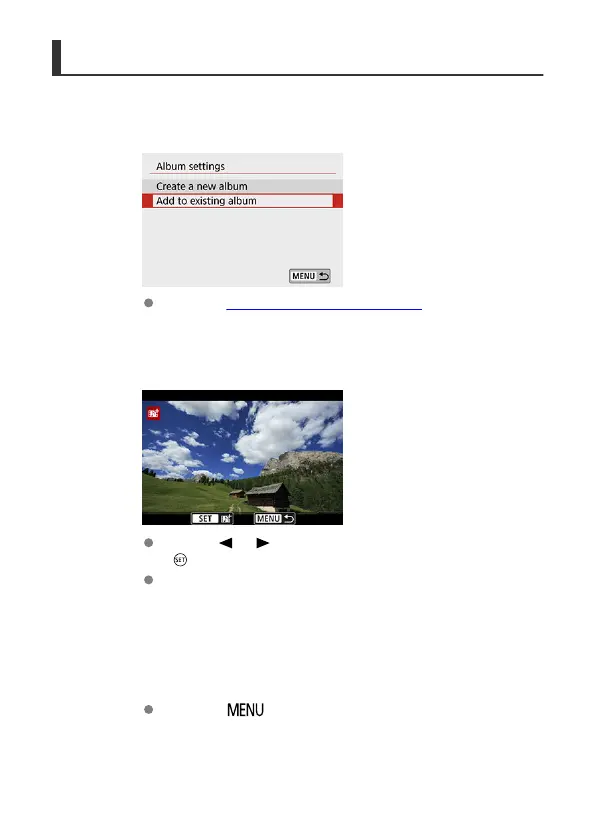
Select [Add to existing album].
In step 3 of Configuring Video Snapshot Settings, select [Add to
existing album].
2.
Select an existing album.
Use the < > < > keys to select an existing album, then press
< >.
Select [OK].
Some video snapshot settings will be updated to match settings of the
existing album.
3.
Close the menu.
Press the < > button to close the menu.
The video snapshot recording screen is displayed.
384



 To Next Page