3.
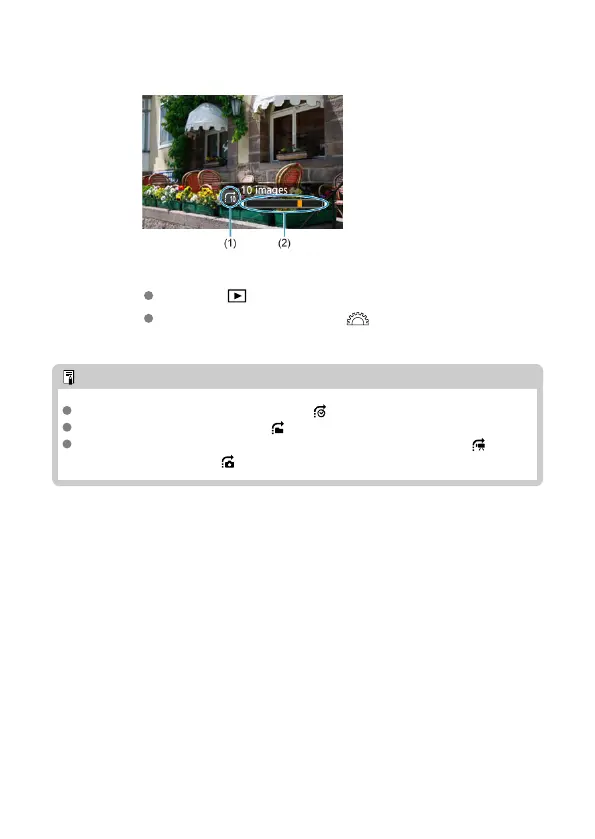
Browse by jumping.
(1) Jump method
(2) Playback position
Press the < > button.
In single-image display, turn the < > dial.
You can browse by the set method.
Note
To search images by shooting date, select [ : Display by date].
To search images by folder, select [ : Display by folder].
To display either movies or still photos for cards that contain both, select [ :
Display movies only] or [ : Display stills only].
490



 To Next Page