Menu Setting Procedure
When set to [ : Menu display: Guided]
1.
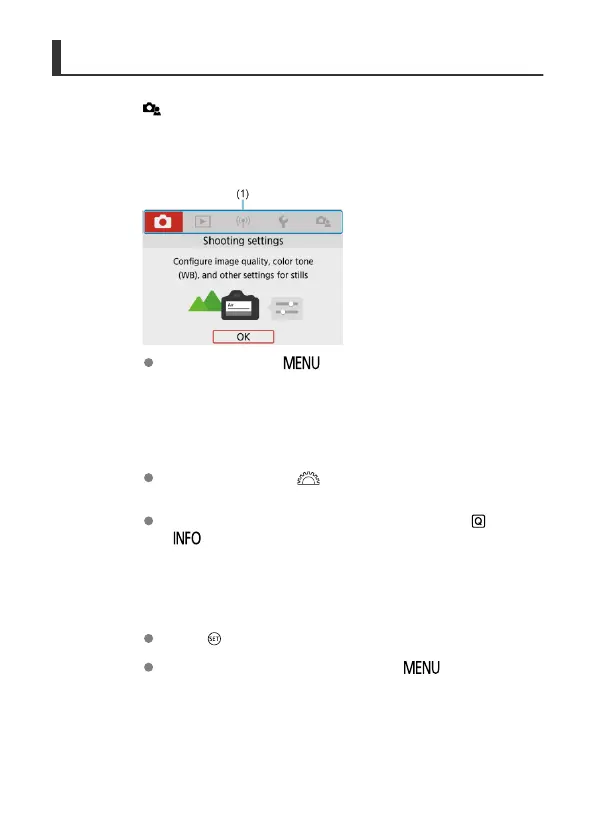
Display the main tabs.
When you press the < > button, the main tabs (1) and a
description of the selected tab will appear.
2.
Select a main tab.
Each time you turn the < > dial, the main tab (group of functions)
will switch.
You can also switch between main tabs by pressing the < > or
< > button.
3.
Display the menu screen.
Press < > to display the menu screen.
To return to the main tab screen, press the < > button.
85



 To Next Page