7.
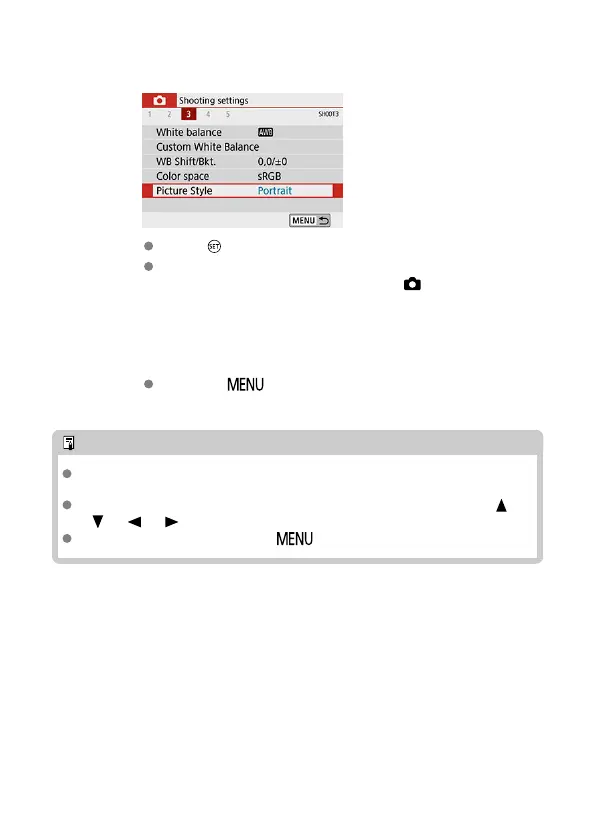
Set an option.
Press < > to set it.
If you change the setting from the default, it will be indicated in blue
(available only for the menu items under the [ ] tab).
8.
Exit the setting.
Press the < > button twice to exit the menu and return to
shooting standby.
Note
The description of menu functions hereafter assumes that the menu screen is
displayed.
Menu operations are also possible by tapping the menu screen or using the < >
<
> < > < > keys.
To cancel the operation, press the < > button.
87


 To Next Page
 Loading...









