Dimmed Menu Items
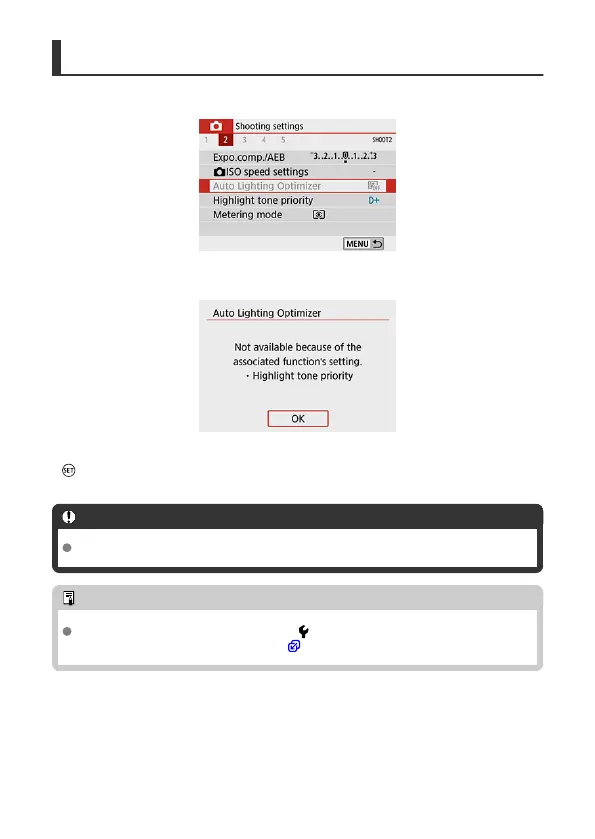
Example: When [Highlight tone priority] has been set
Dimmed menu items cannot be set. The menu item is dimmed if another function setting is
overriding it.
You can see the overriding function by selecting the dimmed menu item and pressing
< >.
If you cancel the overriding function's setting, the dimmed menu item will become settable.
Caution
You may not be able to see the overriding function for certain dimmed menu items.
Note
With [Clear all camera settings] under [ : Clear settings], you can reset the
menu functions to the default settings ( ).
89



 To Next Page