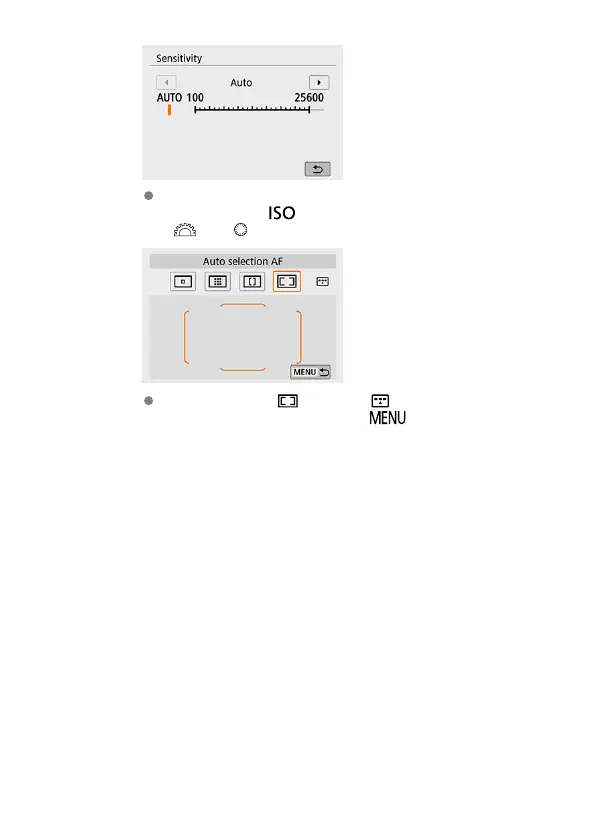
To access the corresponding setting screen from the Quick Control
screen, press the < > button, then adjust the setting by turning the
< > or < > dial.
If you have selected [ ], press the < > button to adjust the
setting. To exit the setting, press the <
> button.
93



 To Next Page