/
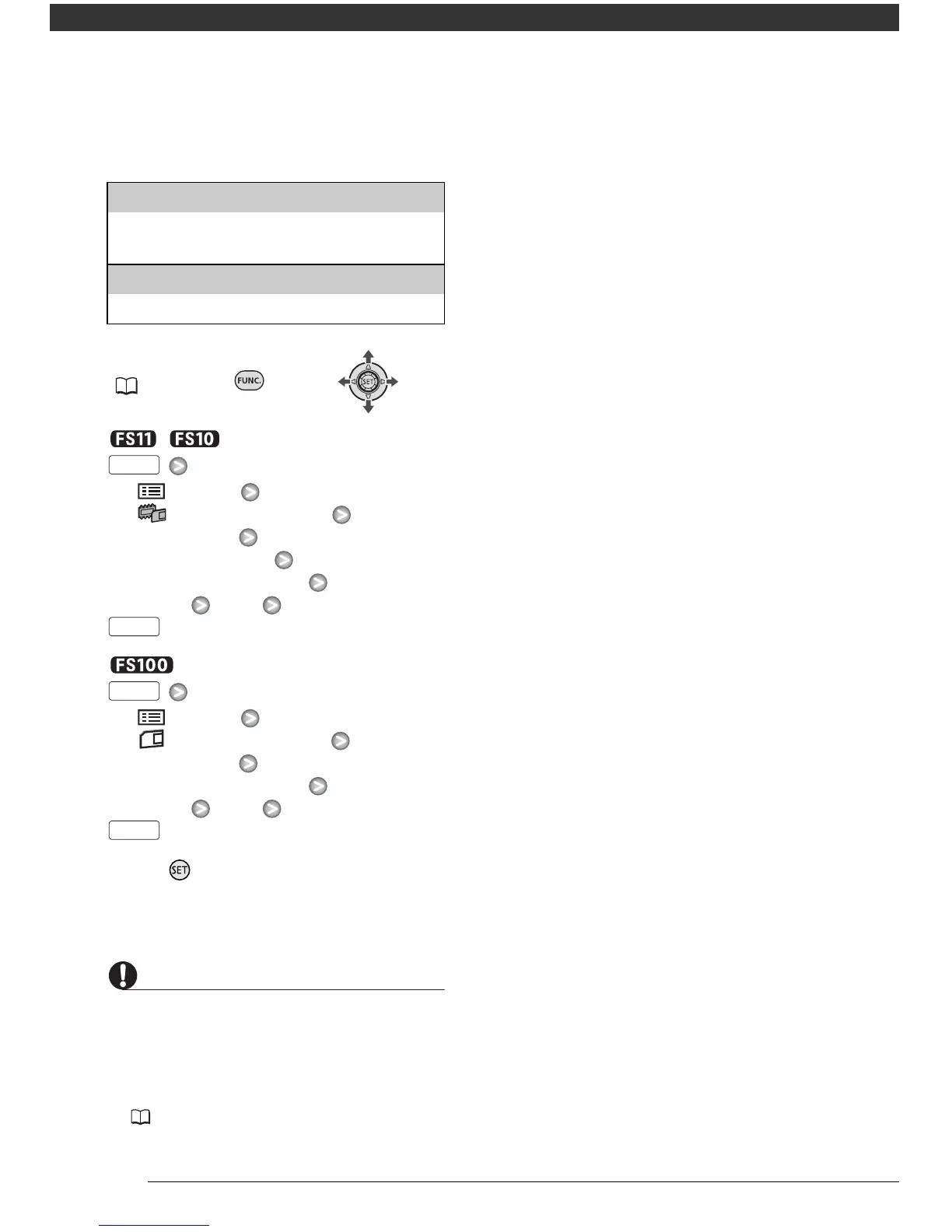
[ MENU]
[ MEMORY OPER.]
[INITIALIZE] The memory you
want to initialize
Initialization method
[YES]* [OK]
[ MENU]
[ MEMORY OPER.]
[INITIALIZE]
Initialization method
[YES]* [OK]
* Press twice to interrupt the complete
initialization while it is in progress. All
recordings will be erased but the memory
can be used without any problem.
• Initializing the memory will permanently
erase all data. Lost original recordings
cannot be recovered. Make sure you
back up important recordings in
advance using an external device
(66).
• While the initialization is in progress, do
not disconnect the power source or turn
off the camcorder.
[INITIALIZE]
Clears the file allocation table but does not
physically erase the stored data.
[COMPL.INIT.]
Erases all data completely.



 To Next Page