Video
40
Controlling Shutter Speed and Other
Functions while Shooting
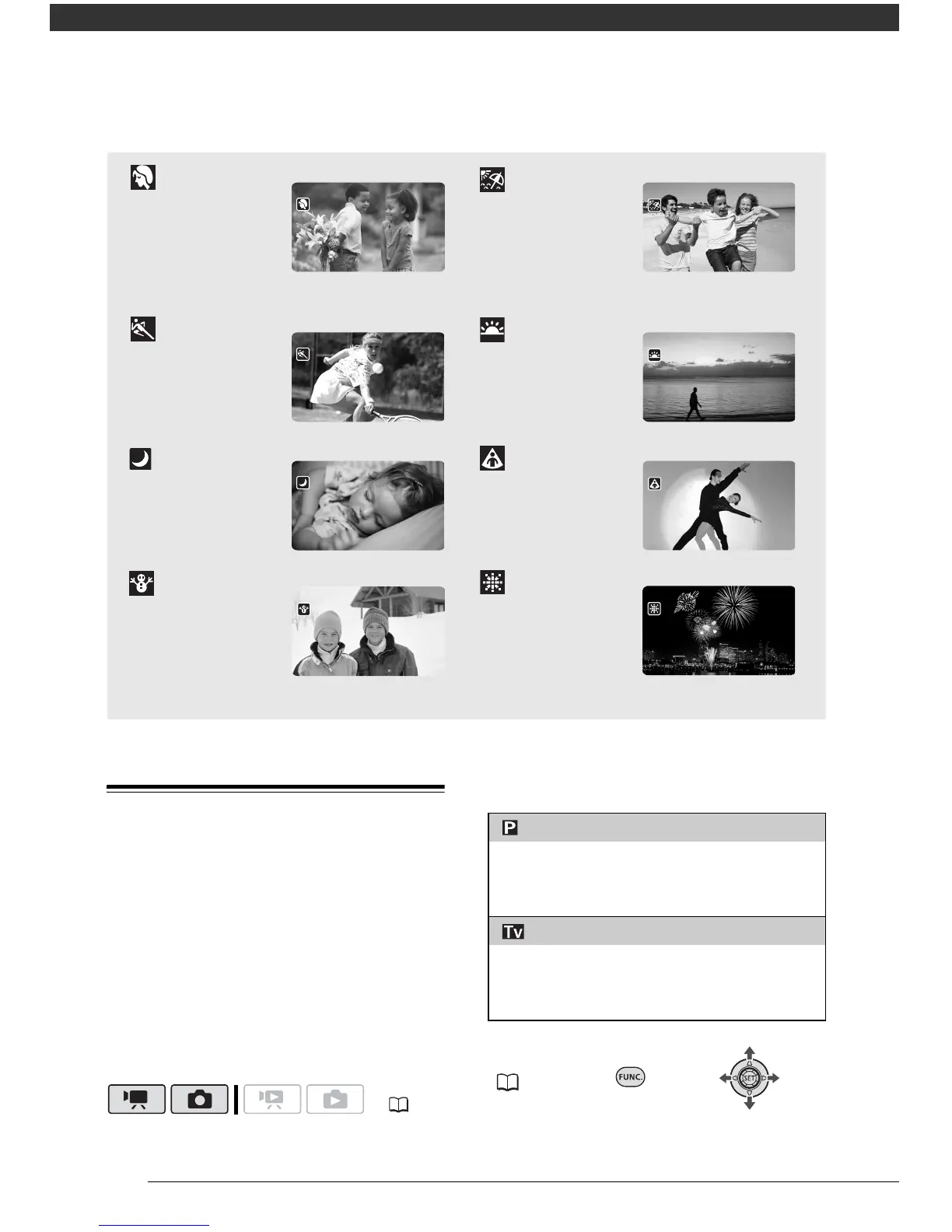
Use the automatic exposure (AE)
program to use functions like the white
balance or image effects, or give
priority to the shutter speed.
Use faster shutter speeds to record
subjects moving quickly; Use slower
shutter speeds to add motion blur,
emphasizing the feel of movement.
Options
Default value
( 21)
[ PROGRAM AE]
The camcorder automatically adjusts the
aperture and shutter speed to obtain the optimal
exposure for the subject.
[ SHUTTER-PRIO.AE]
Set the shutter speed value. The camcorder
automatically sets the appropriate aperture
value.



 To Next Page