When an external microphone is
connected to the camcorder,
[WIND SCREEN] will automatically be set
to [ OFF ].
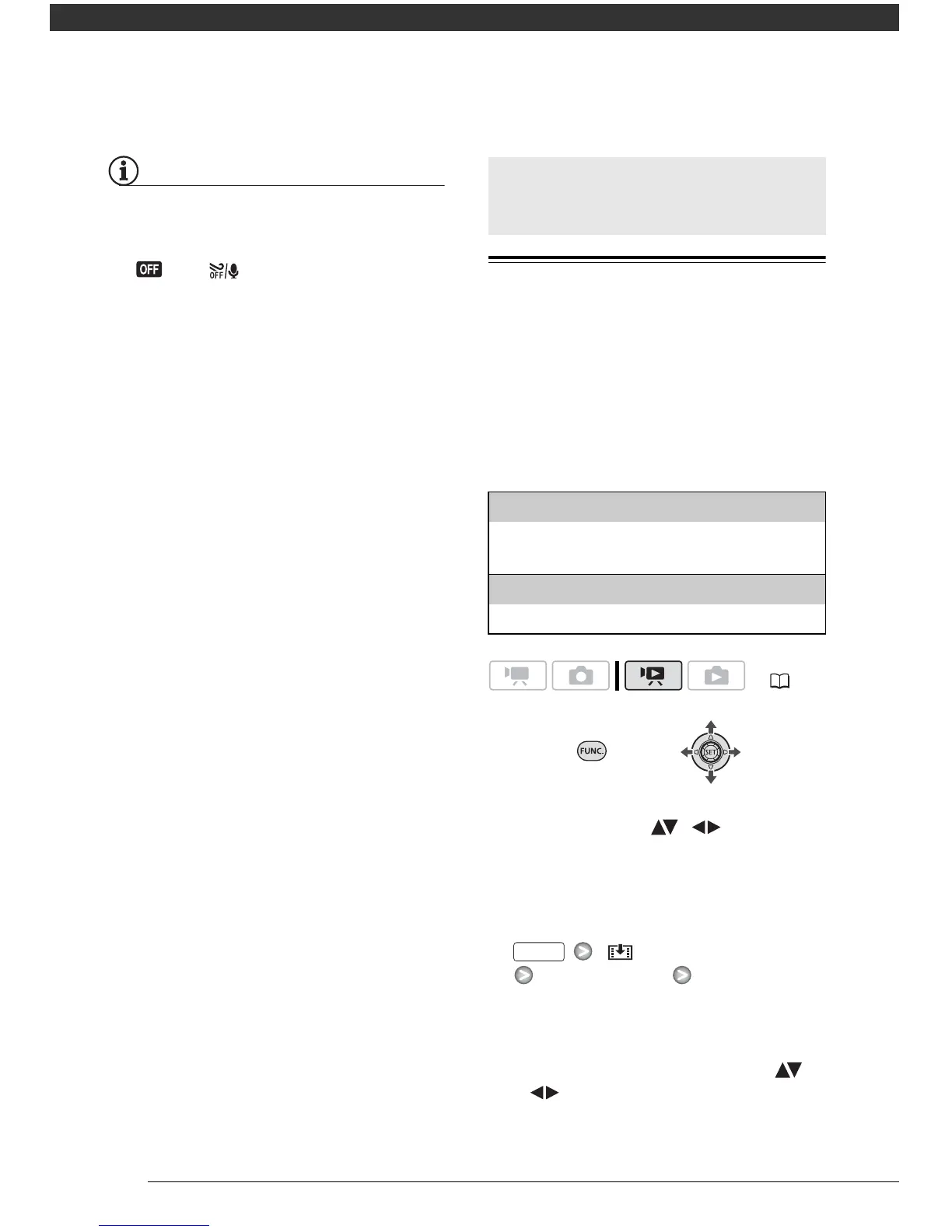
Creating a Playlist
Create a playlist to play back only the
scenes you prefer and in the order of
your choice. Moving or deleting scenes
in the playlist will not affect the original
recordings.
Options
1 In the original movies index
screen, select ( , ) the scene
you want to add to the playlist, or
a scene recorded on the date you
want to add to the playlist.
2 Add the scene(s) to the playlist.
[ ADD TO PLAYLIST]
Desired option [YES]
• When the operation is completed
[ADDED TO PLAYLIST] will be
displayed.
• To check the playlist, select ( ,
) the playlist index screen from
the tabs on top of the index
Managing Scenes and the
Memory
[ALL SCENES (THIS DATE)]
Adds to the playlist all the scenes that were
recorded on the same day as the selected scene.
[ONE SCENE]
Adds only the selected scene to the playlist.
( 21)



 To Next Page