41
[PROGRAM AE] Desired
recording program
When you select [ SHUTTER-
PRIO.AE], a numeric value will appear
next to the recording program icon.
1Press to hide the joystick
guide.
2 Adjust ( ) the shutter speed to
the desired value.
Shutter speed guidelines
Note that on screen only the denominator
is displayed – [ 250] indicates a
shutter speed of 1/250 second, etc.
* mode only.
** mode only.
[ SHUTTER-PRIO.AE]
- When setting the shutter speed, the
number display will flash if the value is
not appropriate for the recording
conditions. In such case, select a
different value.
- If you use a slow shutter speed in dark
places, you can obtain a brighter image,
but image quality may be lower, and
autofocus may not work well.
- The image may flicker when recording
with fast shutter speeds.
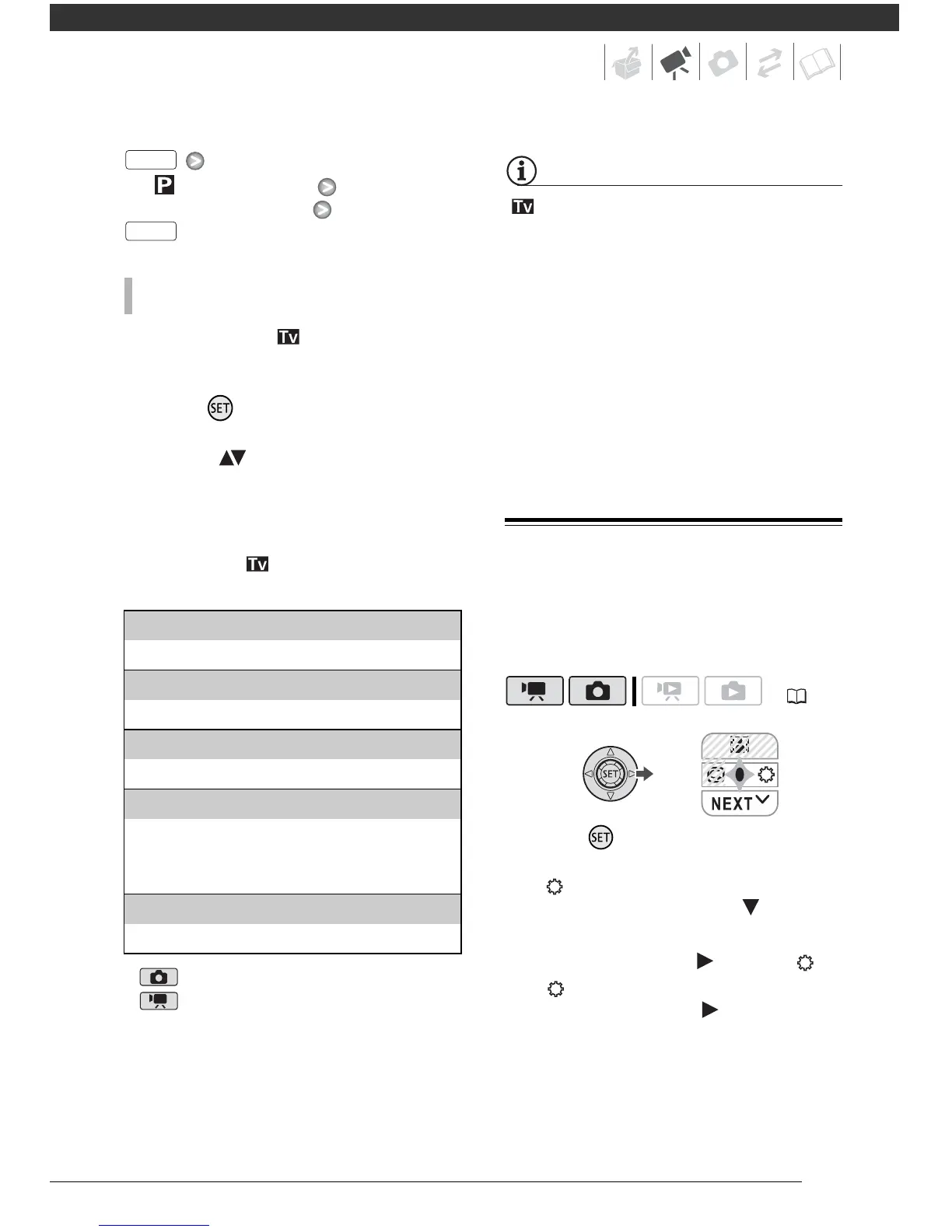
Mini Video Light
You can turn on the mini video light to
shoot video or take photos in dark
places.
1 Press to display the joystick
guide.
If does not appear on the joystick
guide, push the joystick ( ) toward
[NEXT] to display it.
2 Push the joystick ( ) toward .
• appears on the screen.
• Push the joystick ( ) again to turn
the mini video light off.
TO SET THE SHUTTER SPEED
1/2*, 1/3*, 1/6, 1/12, 1/25
To record in dimly lit places.
1/50
To record under most ordinary conditions.
1/120
To record indoor sports scenes.
1/250, 1/500, 1/1000**
To record from within a moving car or train or to
shoot fast-moving subjects such as roller
coasters.
1/2000**
To record outdoor sports scenes on sunny days.



 To Next Page