53
Erasing a Photo Right After Recording It
You can erase the still image recorded
last while reviewing it within the time set
for the [REVIEW] option or immediately
after recording it, if [REVIEW] is set to
[OFF].
While reviewing the image immediately
after recording:
1 Push the joystick ( ) toward .
2 Select ( ) [ERASE] and press
.
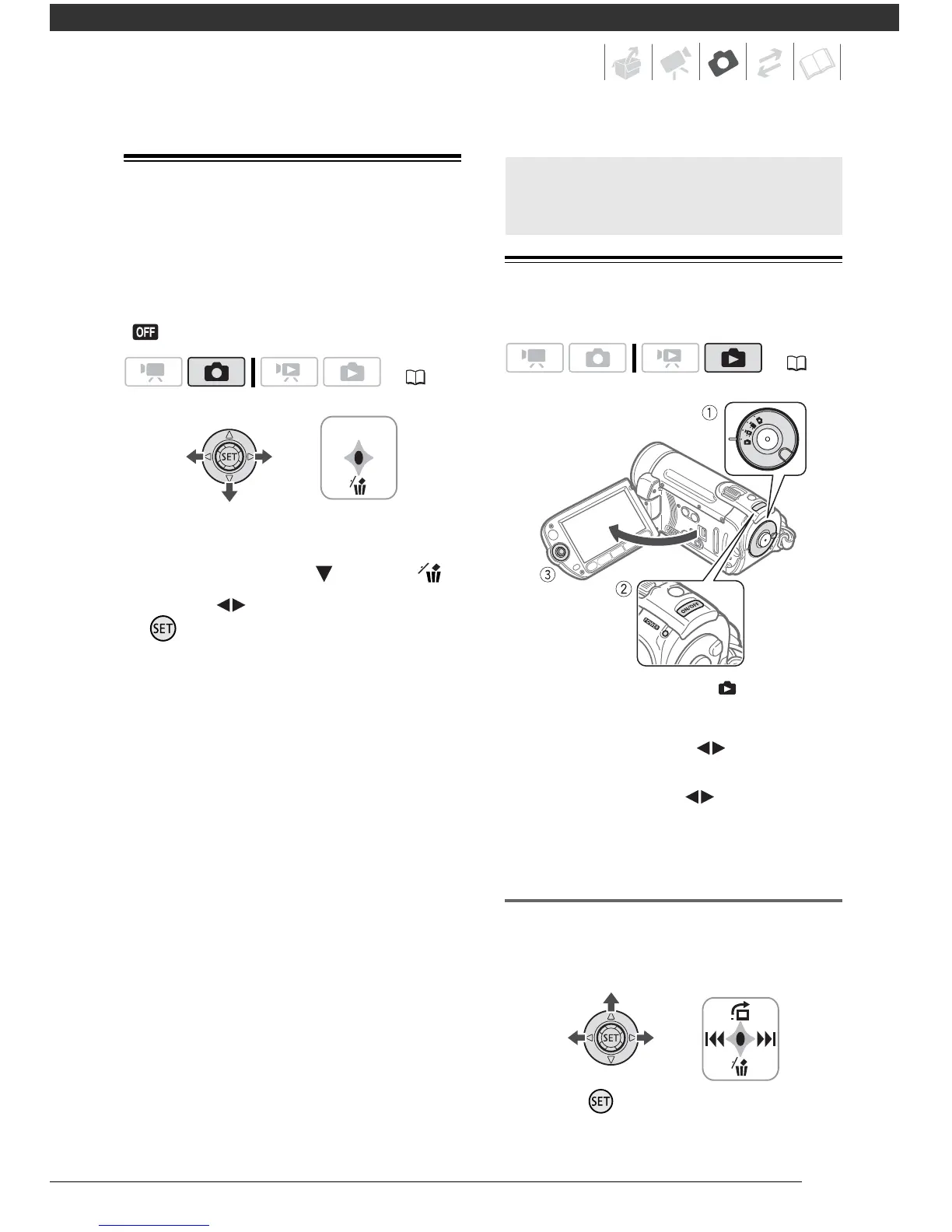
Viewing Photos
1 Set the mode dial to .
2 Turn on the camcorder.
3 Push the joystick ( ) to move
between images.
Push the joystick ( ) and hold it
down to run quickly through the still
images.
Image Jump Function
When you have recorded a large
number of still images, you can jump 10
or 100 still images at a time.
1 Press to display the joystick
guide.
( 21)
Basic Playback
( 21)



 To Next Page