Initializing the memory ( 27) will
permanently erase all recordings,
including protected still images.
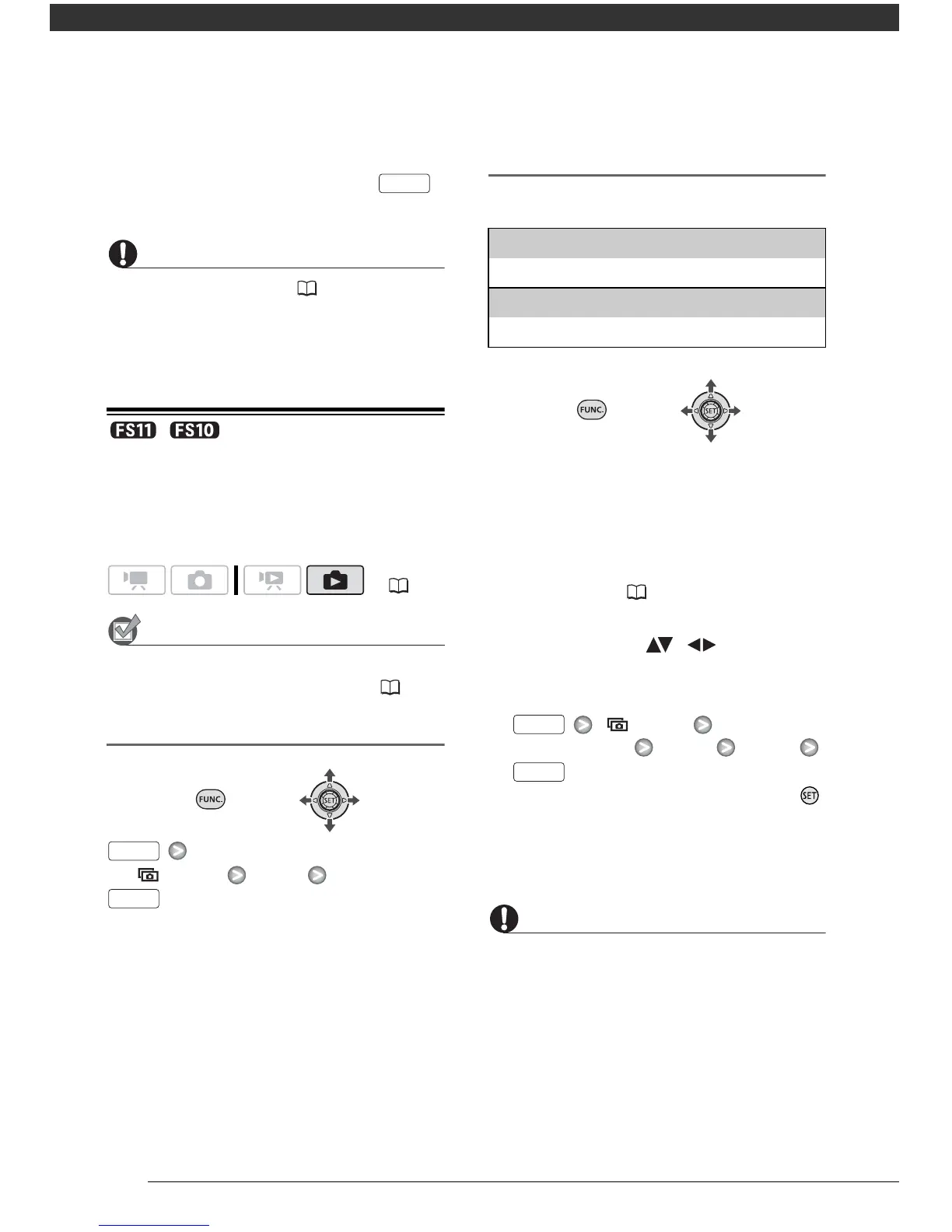
/ Copying Photos
You can copy still images from the built-
in memory to the memory card and vice
versa.
Select in advance the memory from which
you want to copy the still images ( 54).
Copying a Single Image
[COPY] [YES]
Copying Images from the Index Screen
Options
1 Move the zoom lever toward W.
The still image index screen appears.
2 Select the memory from which you
want to copy the still images.
Refer to To select which still images
to play back ( 54).
3 If you want to copy only one
image, select ( , ) the still
image you want to copy.
4 Copy the still image(s).
[
COPY]
Desired option [YES]* [OK]**
* When copying all the still images, press
twice to interrupt the operation while it is in
progress.
**When copying a single still image, this step
is not necessary.
Observe the following precautions while
the ACCESS indicator is on or flashing.
Failing to do so may result in permanent
data loss.
- Do not open the memory card slot cover.
- Do not disconnect the power source or
turn off the camcorder.
- Do not change the position of the mode
dial.
( 21)



 To Next Page