Communication Environment Setup
2-15
2
Settings Common to the Network Protocols
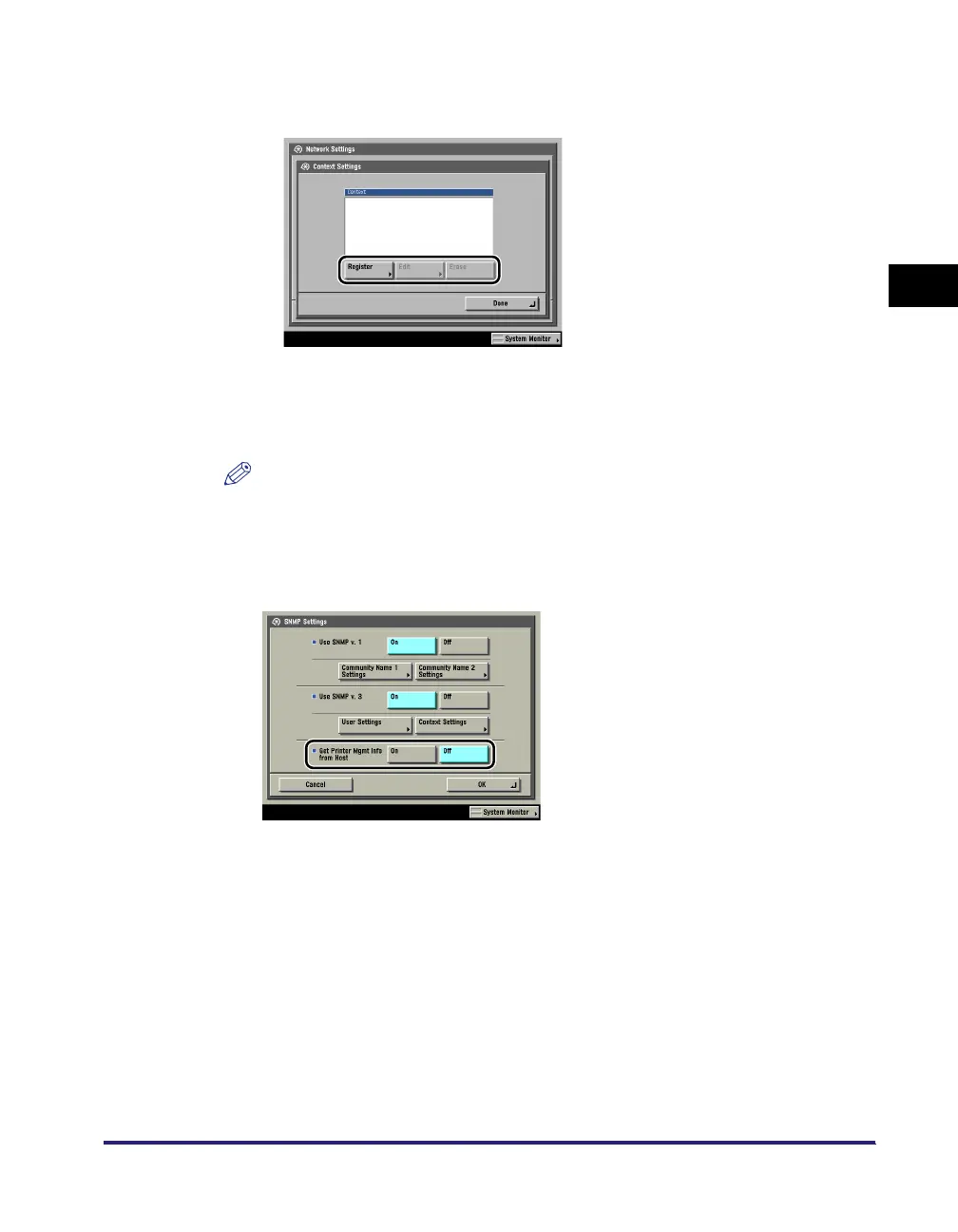
● If you want to edit the context:
❑
Press [Context Settings] ➞ edit the context.
If you want to add a context, press [Register] to add a new context. If you want
to change a context, select the context you want to change ➞ press [Edit] to
change the context. If you want to erase a context, select the context you want
to erase ➞ press [Erase].
NOTE
A context named 'NULL' is registered by default. The 'NULL' context cannot be
deleted, and is not displayed on the Context Settings screen.
3
Set monitoring for the printer management information.
[On] for <Get Printer Mgmt Info from Host>: If you are using Windows Vista and
set [Standard TCP/IP port] for the printer driver port, the SNMP port monitoring
function will be enabled automatically to obtain printer management information
such as information on print applications and printer ports.














 To Next Page