Chapter 1
1-8
1.5 Names and Functions of Components
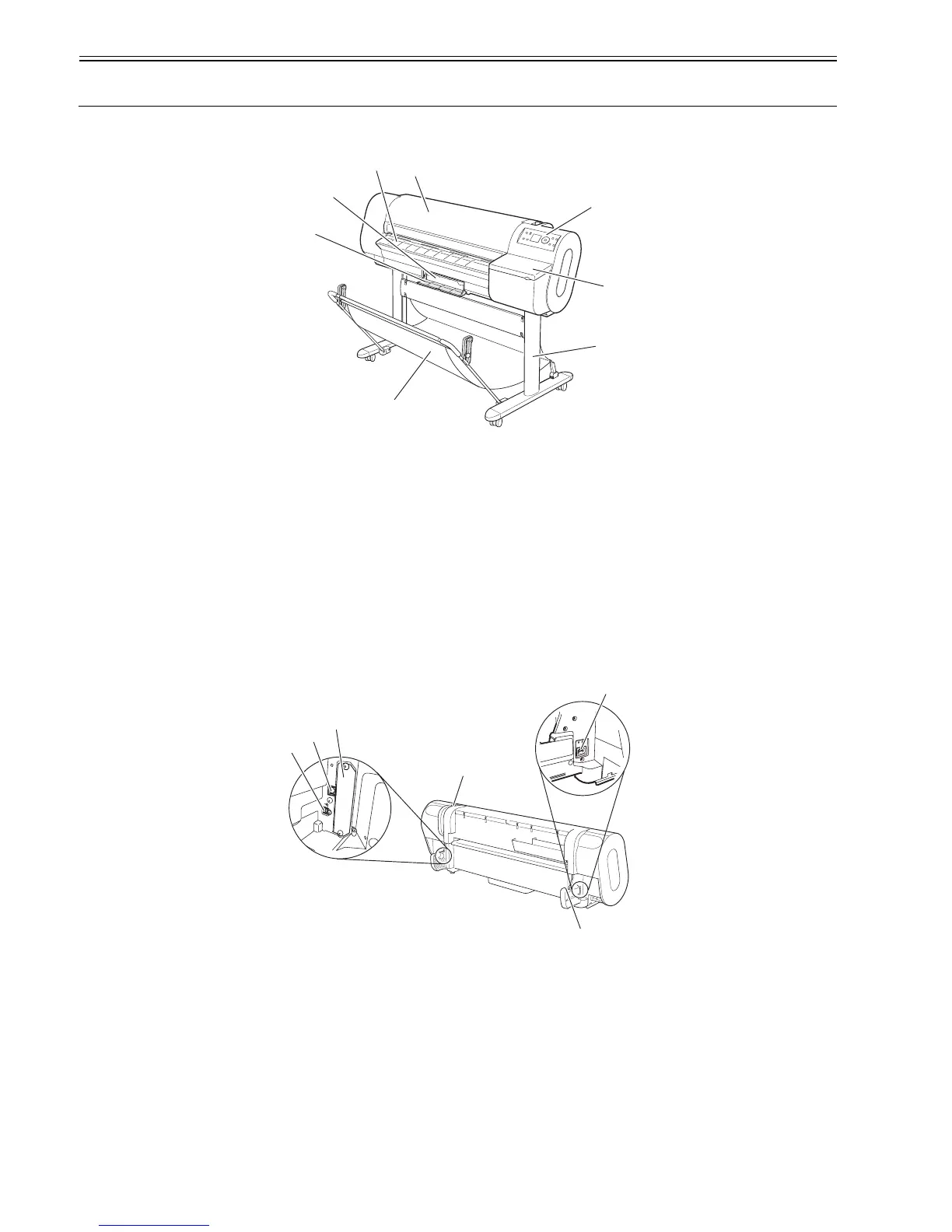
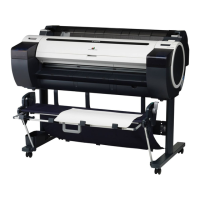
1.5.1 Printer front panel
0012-6202
F-1-11
[1] Top cover
Open this cover when installing the printhead, load media and clear jams inside the printer.
[2] Eject guide
Supports ejected media to keep it from floating up.
[3] Maintenance cartridge
Blots excess inks.
[4] Maintenance cartridge cover
Open this cover to replace the maintenance cartridge.
[5] Operation panel
Operate the printer or check its status from this panel.
[6] Ink tank cover
Open this cover to replace ink tanks.
[7] Stand (option)
It is a stand that puts the printer.
[8] Output stacker (included with stand)
It is a stacker made of the cloth that stacks the ejected media.
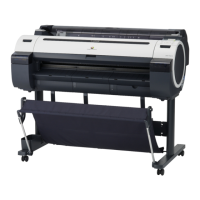
1.5.2 Printer rear panel
0013-4638
F-1-12
[1] Release lever
Releases the paper retainer. Press this lever rearward to load paper or clean the interiors of the printer.
[2] Power connector
Connect the power cord to this connector.
[3] Roller holder slot
Set the roll holder in this guide slot.
[4] Expansion PCB slot
Mount an IEEE1394 (Fire Wire) expansion PCB on his slot.
[5] USB port
Connect the USB cable to this port. Ready for the USB2.0 hi-speed mode.
[6] Ethernet connector
Connect the Ethernet cable to this connector.
[2]
[1]
[3]
[8]
[5]
[4]
[7]
[6]
[4]
[5]
[6]
[3]
[2]
[1]





 To Next Page