Chapter 2
2-18
2.3.2.6 Maintenance Cartridge
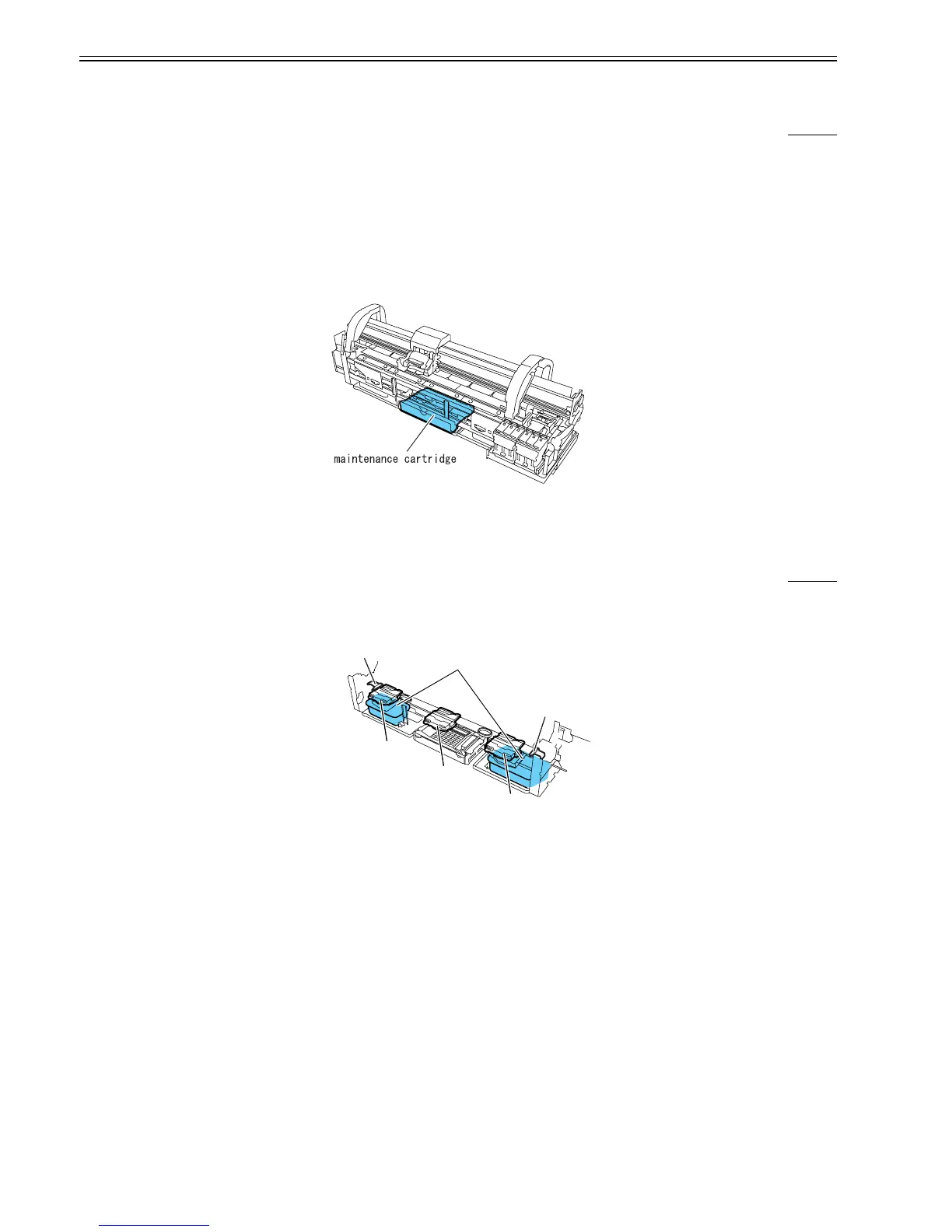
2.3.2.6.1 Maintenance cartridge
0013-7525
a) Maintenance cartridge
The maintenance cartridge holds about 1000 mL of used inks (about 867 g: including the evaporation of moisture from the used inks).
b) Used maintenance cartridge ink detection
Used maintenance cartridge ink detection is monitored with regard to a dot count.
When the used ink reaches 80% of the cartridge capacity, the waning message "Maintenance C Space Check" is displayed to tell that the maintenance cartridge is
nearly full.
Further use of the maintenance cartridge will cause the appearance of the message "Replace Maintenance Cartridge" to report that the maintenance cartridge is full.
When this error is displayed, the printer assumes that the used ink tank is full, shutting down its operation even while it is printing until the maintenance cartridge
is replaced.
The maintenance cartridge houses EEPROM, so that engine firmware can control the status of the maintenance cartridge by writing to and reading from the EEP-
ROM content.
F-2-16
2.3.2.7 Air Flow
2.3.2.7.1 Air flow
0012-6276
This printer is furnished with two fans: a mist fan, which collects ink mist, and a platen fan, which allows paper to be adsorbed on the plate, and a platen fan.
Ink mist floating during printing or bouncing back from the paper is collected in the maintenance cartridge by airflow in the printer.
Airflow fans located on both sides of the printer, coupled with the suction fan in the middle of the printer, create airflow to carry the ink mist to the mist suction port.
F-2-17
Waste ink BOX
Suction of mist
Suction of mist
mist fan
mist fan
suction fan














 To Next Page