1
Insert "User Software CD-ROM" into the CD-ROM drive and start the installer.
Note
•
If the installer screen does not appear automatically, open the CD-ROM drive icon of your computer and
double-click the iPFInst.exe icon.
2
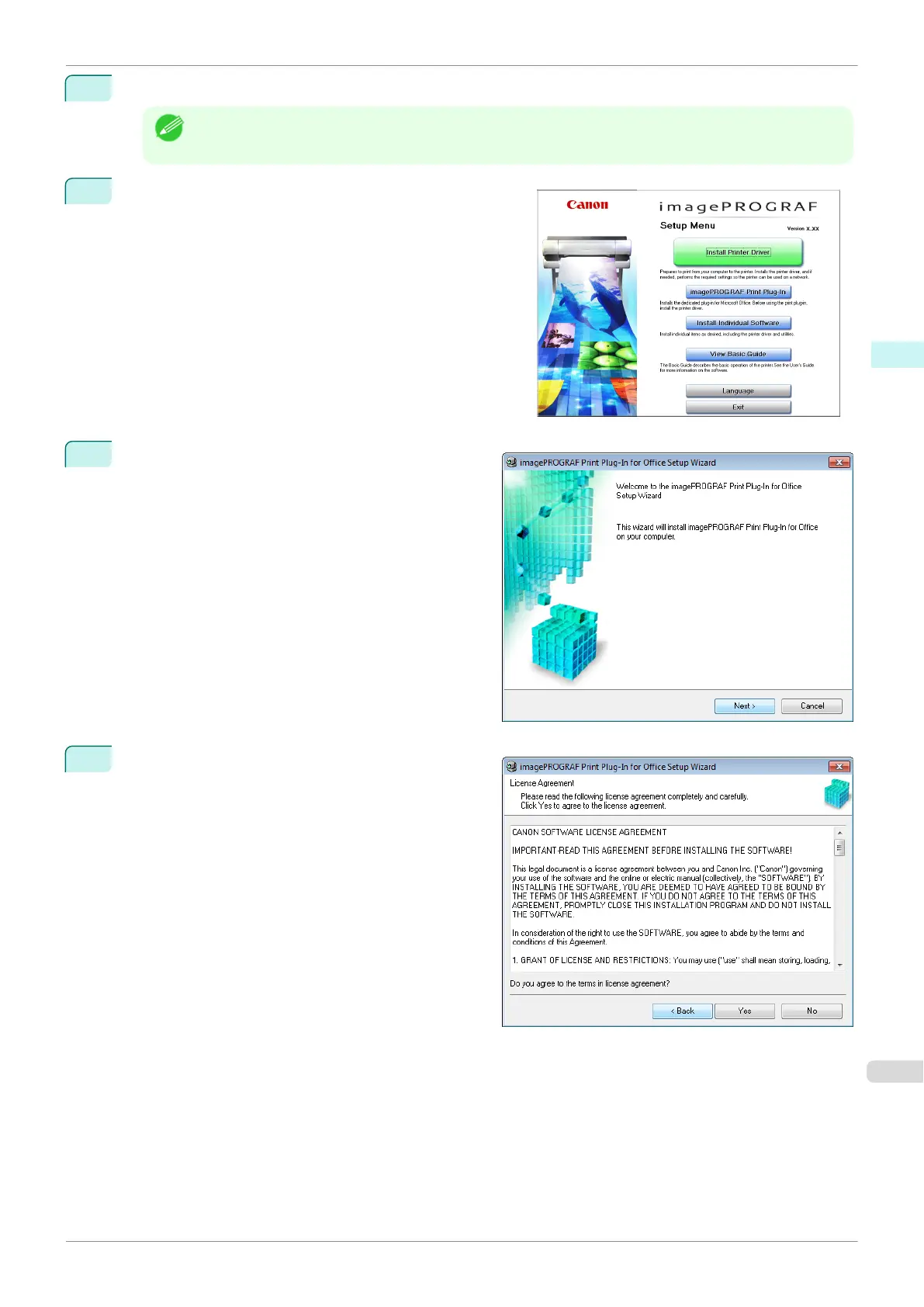
Click the imagePROGRAF Print Plug-In button.
3
Click the Nextbutton.
4
Read the License Agreement, and click the Yes but-
ton.
iPF840
Steps to install
User's Guide
Windows Software Print Plug-In for Office
231















 To Next Page