Roll Holder Set
Roll Holder Set
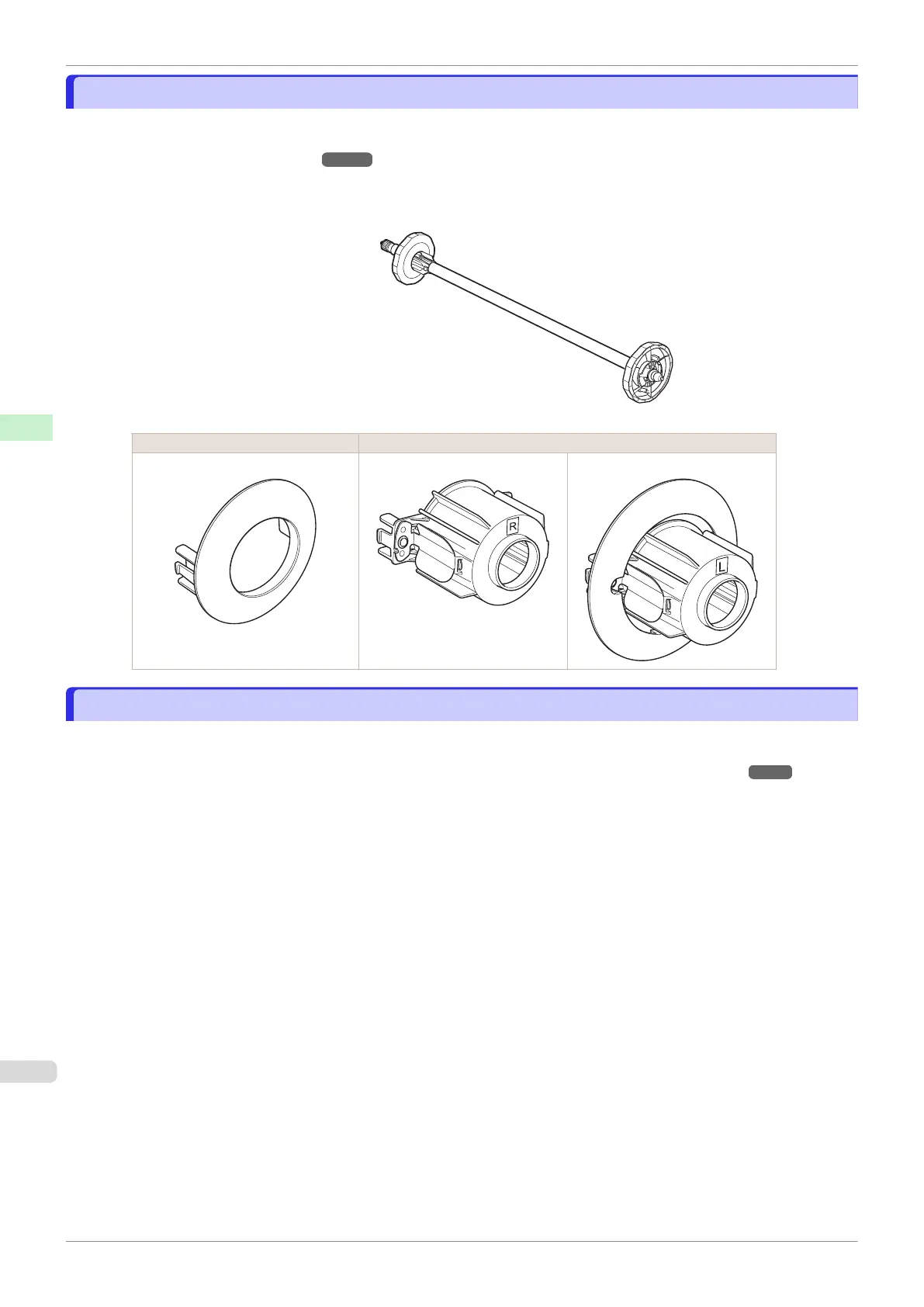
Load a roll on the roll holder and then load the holder in the printer. The Roll Holder in the Roll Holder Set RH2-44
is for use with both 2-inch and 3-inch paper cores. Use the correct attachment for the particular paper core. (See
"Attaching the Roll Holder to Rolls.") ➔ P.342
•
Roll Holder Set RH2-44
•
Roll Holder (for 2- and 3-inch paper cores)
•
Attachments
Using the 2-Inch Paper Core Attachment Using the 3-Inch Paper Core Attachment
2-Inch Paper Core Attachment 3-Inch Paper Core Attachment #1 3-Inch Paper Core Attachment #2
Automatic Roll Switching
Automatic Roll Switching
With this printer, you can load roll paper in both the upper (roll paper 1) and lower (roll paper 2) rolls, and print by
automatically switching between roll paper 1 and roll paper 2 depending on the print job.
Details on how to switch between roll paper 1 and roll paper 2, see "Roll Paper Switching Method." ➔ P.39
Roll Holder Set
iPF840
User's Guide
Handling and Use of Paper Handling rolls
368















 To Next Page