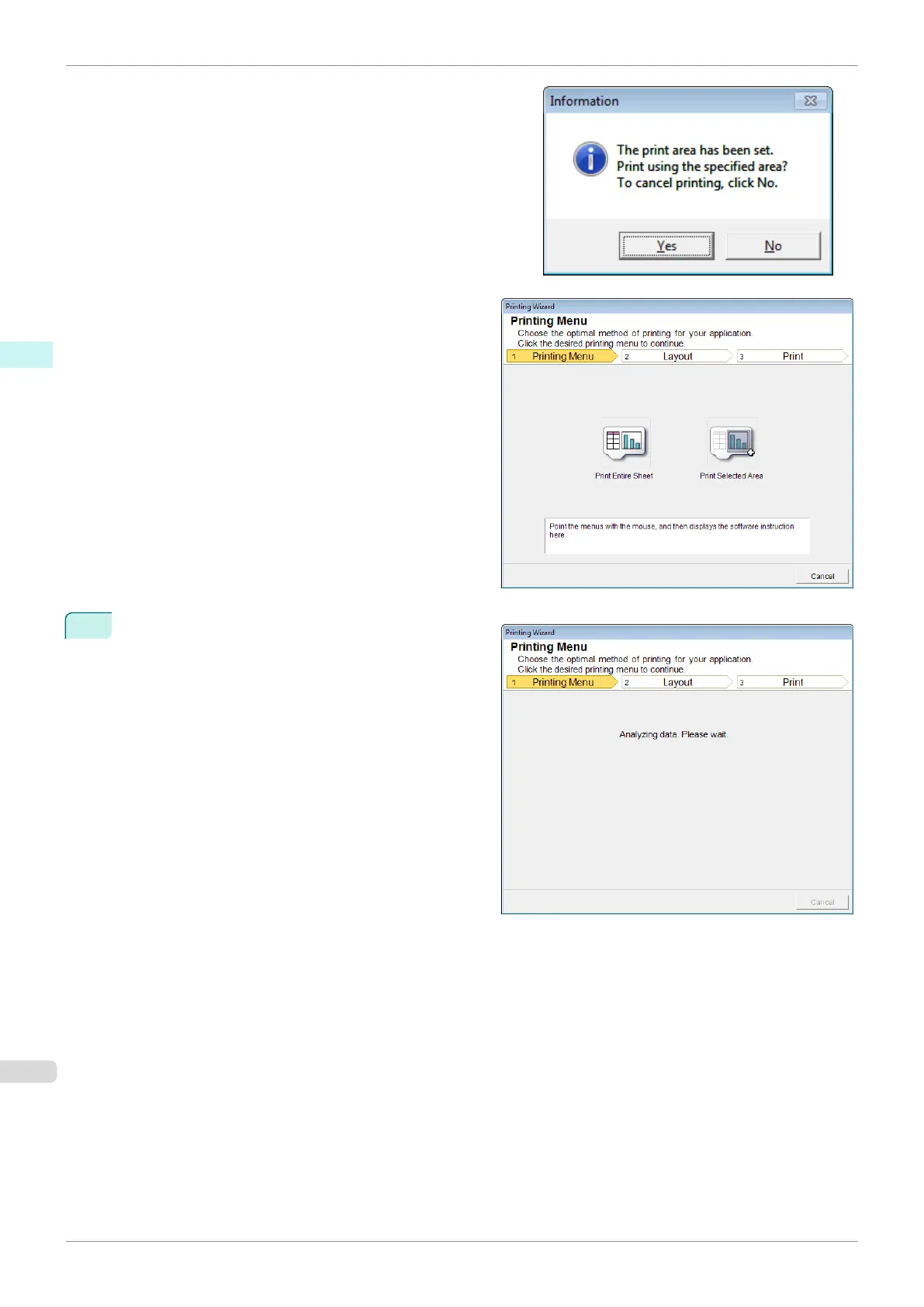
If a print area is set, a confirmation message dialog box will
appear.
To print the entire sheet, cancel the setting of the print area.
The Printing Wizard dialog box is displayed.
4
Click Print Entire Sheet.
A message will appear informing you that analysis is
in progress.
Print Entire Sheet(Excel)
iPF840
User's Guide
Windows Software Print Plug-In for Office
260















 To Next Page