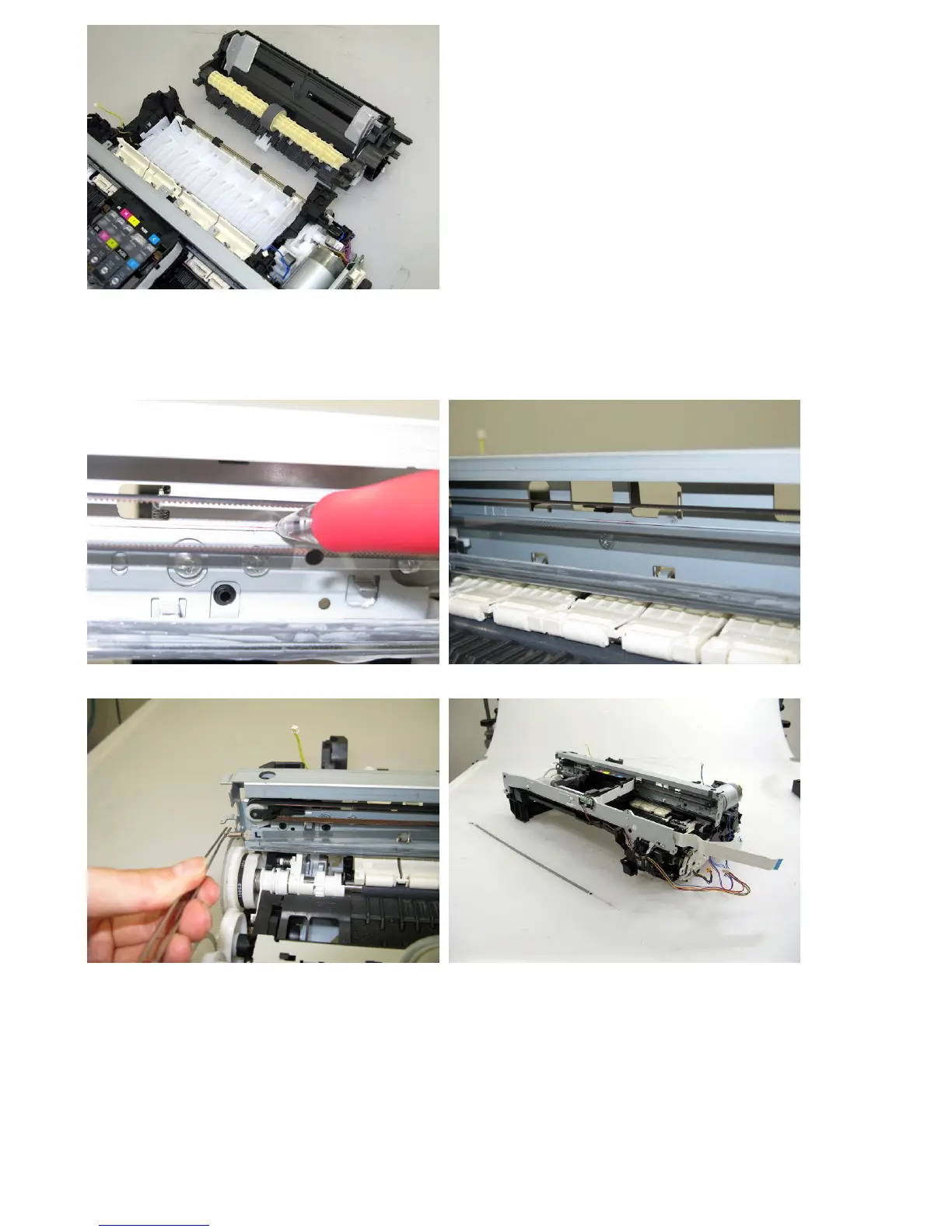
(7) Carriage unit removal
1) At first, on the main chassis, mark the positions of the screws that fix the carriage rail to the main chassis (3 points for
each screw: the left, right, and center).
2) Remove the timing slit film. Be cautious to keep the film free from any grease or scratches.



 To Next Page