N: New adjustment item
*1: Only for CD / DVD printing supported regions.
*2: Install the Service Tool to a pre-registered computer.
(2) Periodic maintenance
No periodic maintenance is necessary.
(3) Periodic replacement parts
There are no parts in this machine that require periodic replacement by a service engineer.
(4) Replacement consumables
There are no consumables that require replacement by a service engineer.
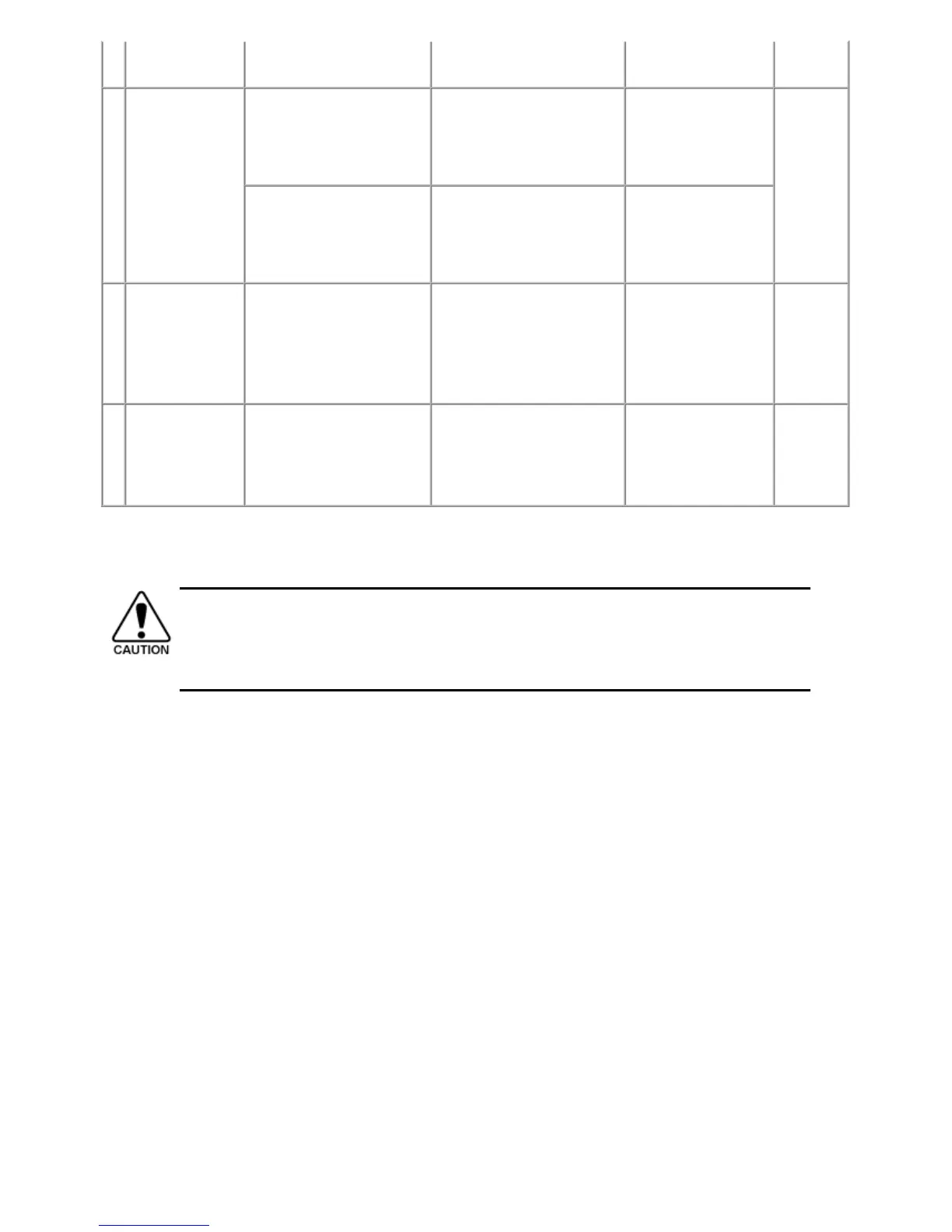
position
adjustment
- At scanner unit replacement glass reference mark (back
left).
LF / Eject
correction
- At logic board replacement
- At paper feed roller
replacement
To correct line feeding (LF
roller diameter).
Service Tool
*2
Perform in the service
mode.
5 min.
(LF
correction
and Eject
correction
is
performed
at the
same
time.)
- At logic board replacement
- At platen unit replacement
To correct line feeding (eject
roller diameter).
Service Tool
*2
Perform in the service
mode.
Carriage rail
position
adjustment
- At carriage unit replacement
- At carriage unit removal
To set the carriage rail to the
original position prior to
removal or replacement of the
carriage unit, put a mark on the
main chassis before removal of
the carriage unit.
None. 1 min.
N CD / DVD print
position
adjustment
- At logic board replacement
- When printing shifts from
the correct position
To set the center of CD / DVD
printing.
Service Tool
*2
Perform in the service
mode.
Varies
depending
on the
degree of
print shift.
- The screws securing the paper feed motor may be loosened only at replacement of the paper feed motor
unit.
- For the automatic print head alignment, use Matte Photo Paper (MP-101), which is packed with the
machine before shipment. If Matte Photo Paper (MP-101) is not available, perform manual print head
alignment using plain paper.



 To Next Page