22
Zooming
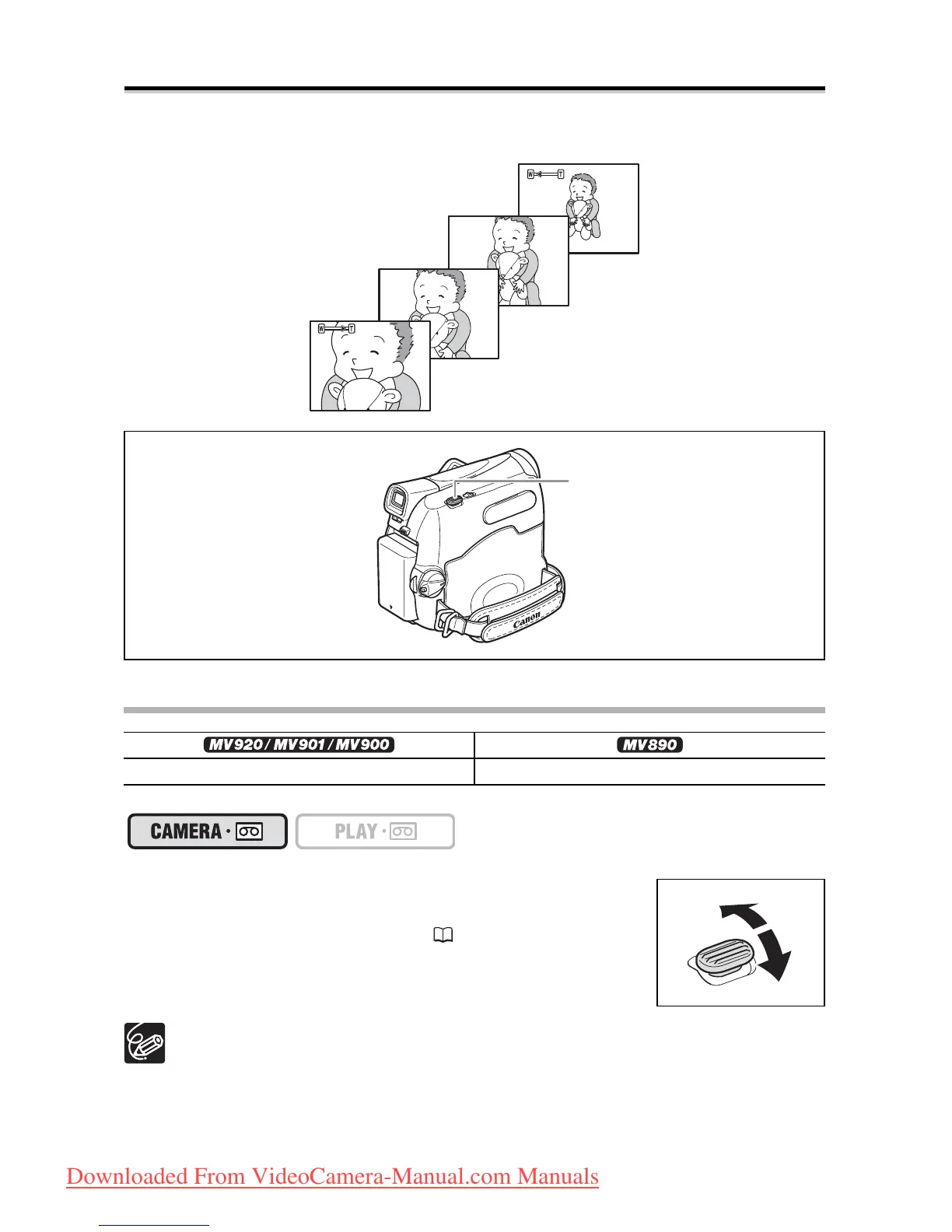
The camcorder is equipped with optical zoom and digital zoom.
Optical Zoom
Move the zoom lever toward W to zoom out (wide-
angle). Move it toward T to zoom in (telephoto).
You can also change the zoom speed ( 24).
Keep at least 1 m to the subject. At wide-angle, you can focus on a subject as
close as 1 cm.
The zoom speed is slightly faster in record pause mode.
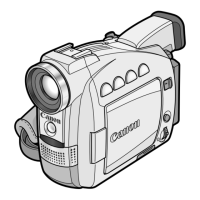
25x optical zoom 22x optical zoom
Zoom out
Zoom in
Zoom lever
Downloaded From VideoCamera-Manual.com Manuals



 To Next Page