Changing the Recording
Mode
(SP/LPJ
E3
1'1
You can choose
from
SP
(standard play) and
LP
(long play).
LP
extends
the
tape
usage
by
1.5 times.
•
o
Tapes
recorded in
LP
mode cannot be used
for
audio dubbing
(CO
97) or AV
insert
(OJ 95).
o Depending on the nature and usage condition
of
the tape, picture and sound
recorded in
LP
mode may
be
distorted. We recommend using the
SP
mode
for
important recordings.
o We recommend recording
in
SP
mode
if
you plan
to
transfer the images
to
a
computer.
o If you record
in
both
SP
and
LP
modes on the
same
tape, the playback picture
may become distorted and the time code may
not
be written correctly.
o If you play back a tape
that
has
been recorded in
LP
mode
with
another digital
device on this camcorder,
or
vice
versa,
picture and sound may become
distorted.
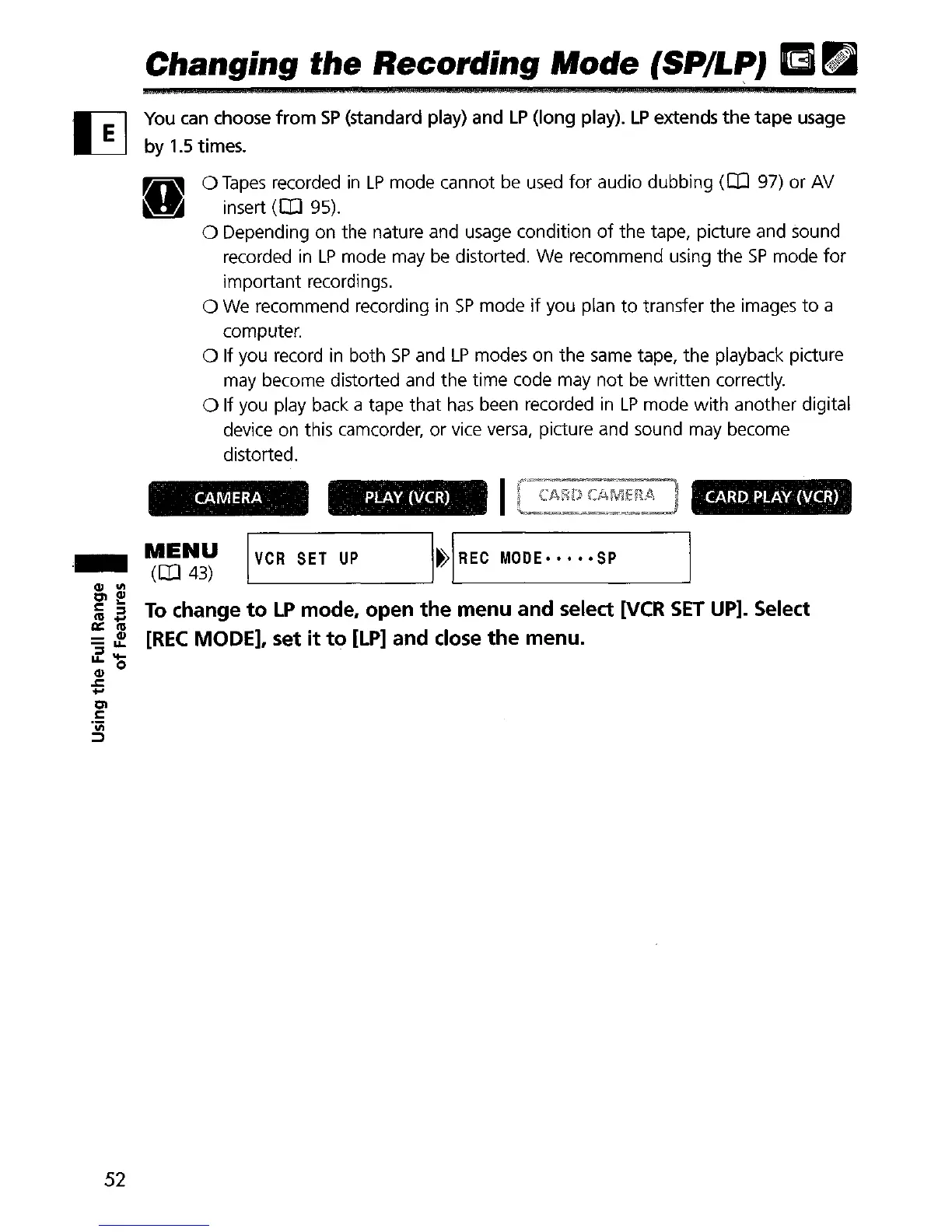
CARD
PLAY
(VCR)
PLAY
(VCR)
CAMERA
._
'('~~~
I
VCR
SET
UP
I~IREC
MODE····
·SP
CIl
'"
Clf
li
oS
To
change
to
LP
mode, open
the
menu and select
[VCR
SET
UP].
Select
l:I::
111
=
3!.
[REC
MODE], set
it
to
[LP]
and close
the
menu
.
.zoo
CIl
.t::.
+'
Cl
l:
'iii
::J
52


 To Next Page