Reference
Guide
The
following
manuals are supplied
with
the
camcorder:
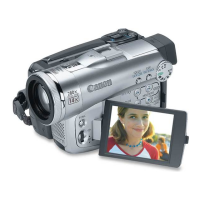
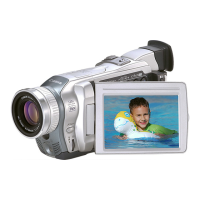
o Digital Video Camcorder OPTURA20/0PTURA10 Instruction
Manual,
This manual explains
the
camcorder operations
from
basic video recording
to
the
use
of
the
full
range
of
features.
o
DIGITAL
VIDEO
SOLUTION
DISK
Software Instruction
Manual
This manual explains
how
to
download
images
from
the
memory card
to
a
computer using
the
supplied
USB
cable. You
can
add sample images
for
Card
Mix
and
My
Camera settings
from
the
supplied DIGITAL VIDEO
SOLUTION
DISK.
o
Windows
XP
Users
Only
DV NETWORK
SOLUTION
DISK
Software Instruction
Manual
This manual explains
how
to
download/upload images
fromfto
the
memory card
using
aDV
(IEEE1394)
cable. You
can
also perform videoconference and
file
transfer
over
the
Internet using
the
provided software. Available functions depend upon
the
camcorder model
of
your
contact and
networking
environment.
Trademark Acknowledgements
• Canon and Bubble Jet are registered trademarks
of
Canon Inc.
• MiOiDt'T
is
a trademark.
•
S;;;
logo
is
a trademark.
• Windows
lBl
is
either
a registered trademark
or
trademark
of
Microsoft Corporation in
the
United States and/or
other
countries.
•
Other
names and products
not
mentioned above may be registered trademarks
or
trademarks
of
their
respective companies.
-
5


 To Next Page