Playing
Back
on
a TV
Screen
You can connect
the
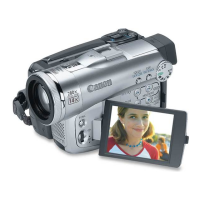
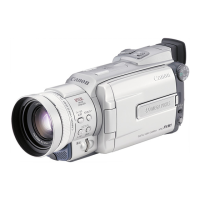
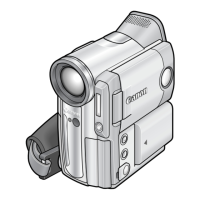
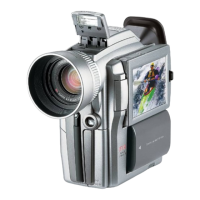
camcorder
to
a
'TV
or
VCR
to
play back
your
recordings
on
a
'TV
screen.
•
o Make sure
that
"0"
is
not
displayed on the screen. If "0"
is
displayed, change
the setting
([JJ 70).
o When you
use
the
TV
as
a monitor during.recording, keep the
TV
volume
turned
down
as
long
as
the camcorder's audio terminals
are
connected. An
unpleasant high-pitched squeal, called feedback, may be produced
if
sound
from the
TV
speakers
is
picked up by the microphone.
o
For
high picture quality, we recommend using a
TV
with
an
5 (51) terminal.
OTVs
with
51-terminal
or
Video
ID-1
system: Recordings made in the 16:9 mode
([JJ 50) will
be
automatically played back
in
wide
screen
mode.
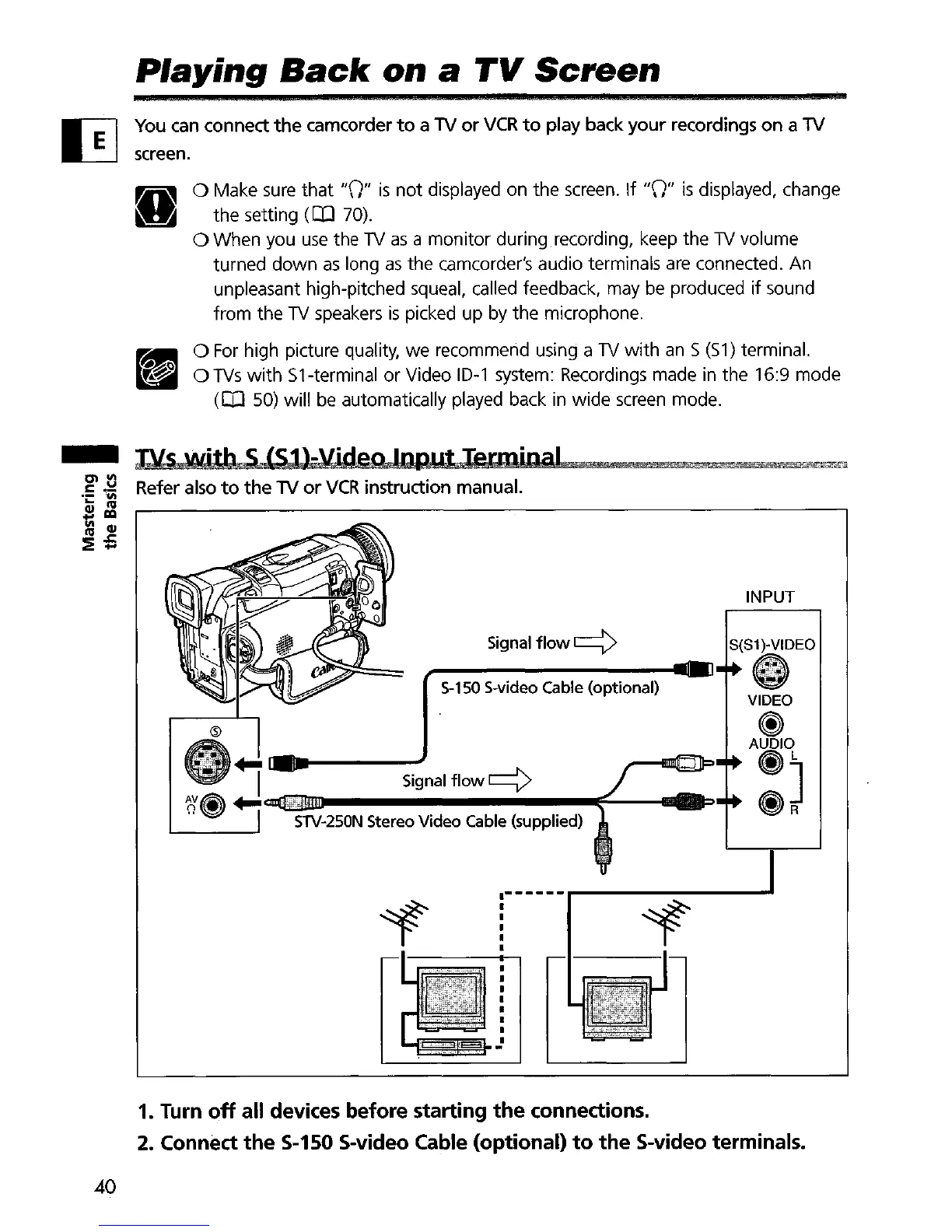
$-150 $-video Cable (optional)
INPUT
S{S1)-VIDEO
Signal
flow
c:::::>
Signal
flow
c:::::>
STV-250N
Stereo Video Cable (supplied)
-
Dls
with
S lS1)-yi
d
e
o
Inp"t
Terminal
.~
~~
Refer also
to
the
'TV
or
VCR
instruction manual.
il~
:a1
:::!E
....
1. Turn
off
all devices before starting
the
connections.
2.
Connect
the
5-150 5-video Cable (optional)
to
the
5-video terminals.
40


 To Next Page