Getting Started
16
1
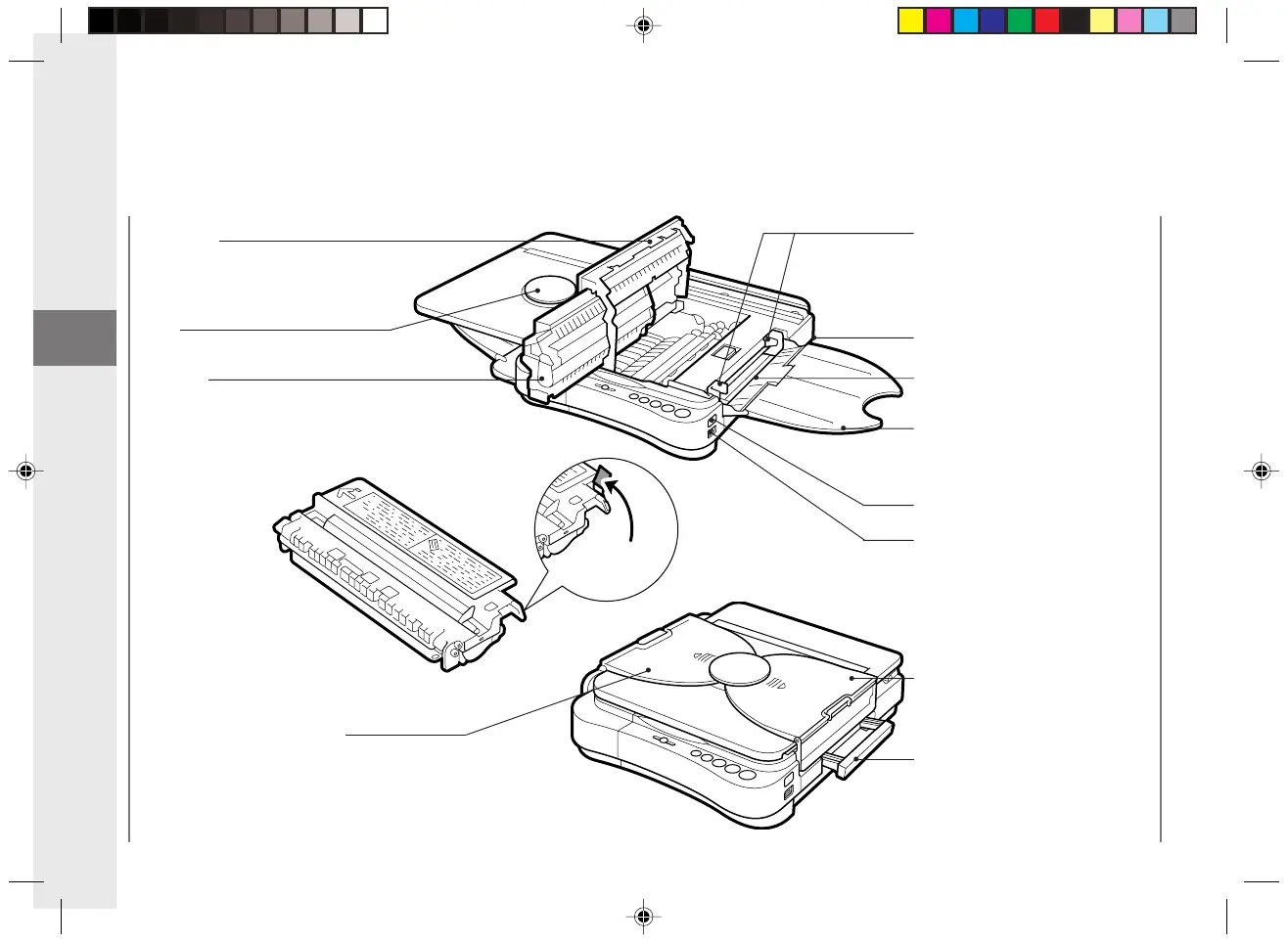
Sealing
Tape Grip
Top Cover
Open when changing the
cartridge, clearing paper jams
or cleaning the roller.
Paper Feed Guides
Adjust to fit paper size.
Parts and Their Functions
Cartridge
Carrying Handle
Pull out to use when transporting
the copier.
Multi-stack Tray
Exposure Recalibration Switch
Slide up or down to adjust the copy
exposure to one of three steps to
accommodate dark, normal or light
originals.
Power Switch
Multi-stack Tray
Paper Feeding Slot
Power Cord Connector
(rear right)
Copy Tray
Disk
01/ PC140-USA 10/10/03, 7:35 AM16



 To Next Page