Operating Procedure
30
2
NormalNormal
CopyingCopying
Use the following procedure
when making normal copies.
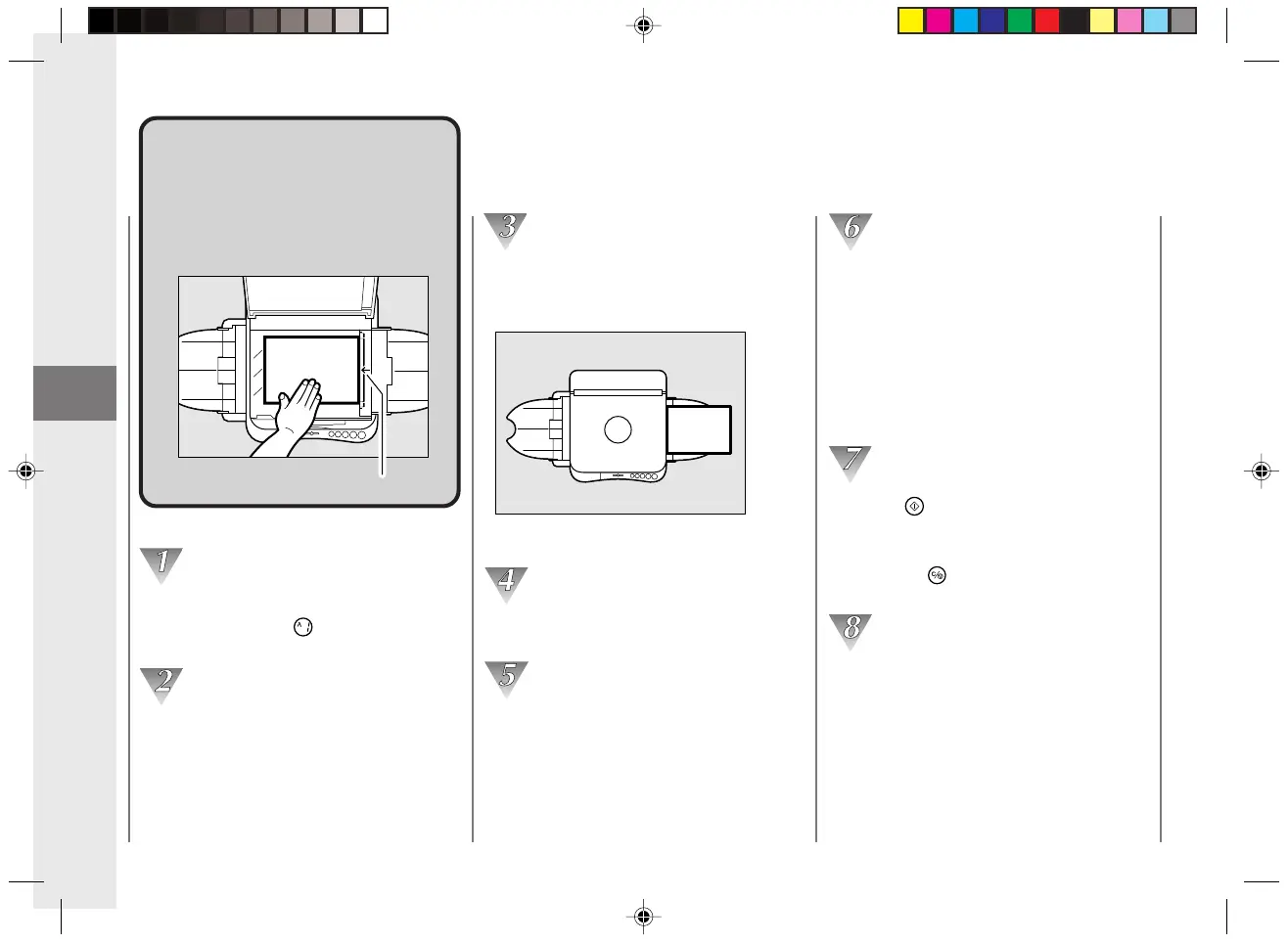
Paper size marks on the guide plate
Turn the copier’s power switch ON.
On the control panel will light up in the
Number of Copies Indicator.
Adjust the paper guides to fit the size of
the copy paper.
Place the copy paper into the multi-stack
tray .
(See “Setting copy paper” on p. 34.)
Even out the edges of the copy paper before
placing it into the multi-stack tray.
Place the material to be copied face down
on the platen glass.
Gently close the platen cover.
Normal Copying
When copying anything out of the
standard mode, be sure to set the copy
exposure and number of copies.
The following is the standard mode:
• Copy number = 1
(See “Making 10 or more Continuous
Copies (The F Mode)” on p. 31.)
• Copy exposure = automatic (See
“Adjusting the Copy Exposure” on p. 32.)
Press the key.
The platen begins moving and copying
begins.
Press the key in order to stop or
cancel the copy job.
When you have finished copying, remove
the original and turn the power switch
OFF.
02/ PC140-USA 10/10/03, 7:38 AM30



 To Next Page