Troubleshooting
43
3
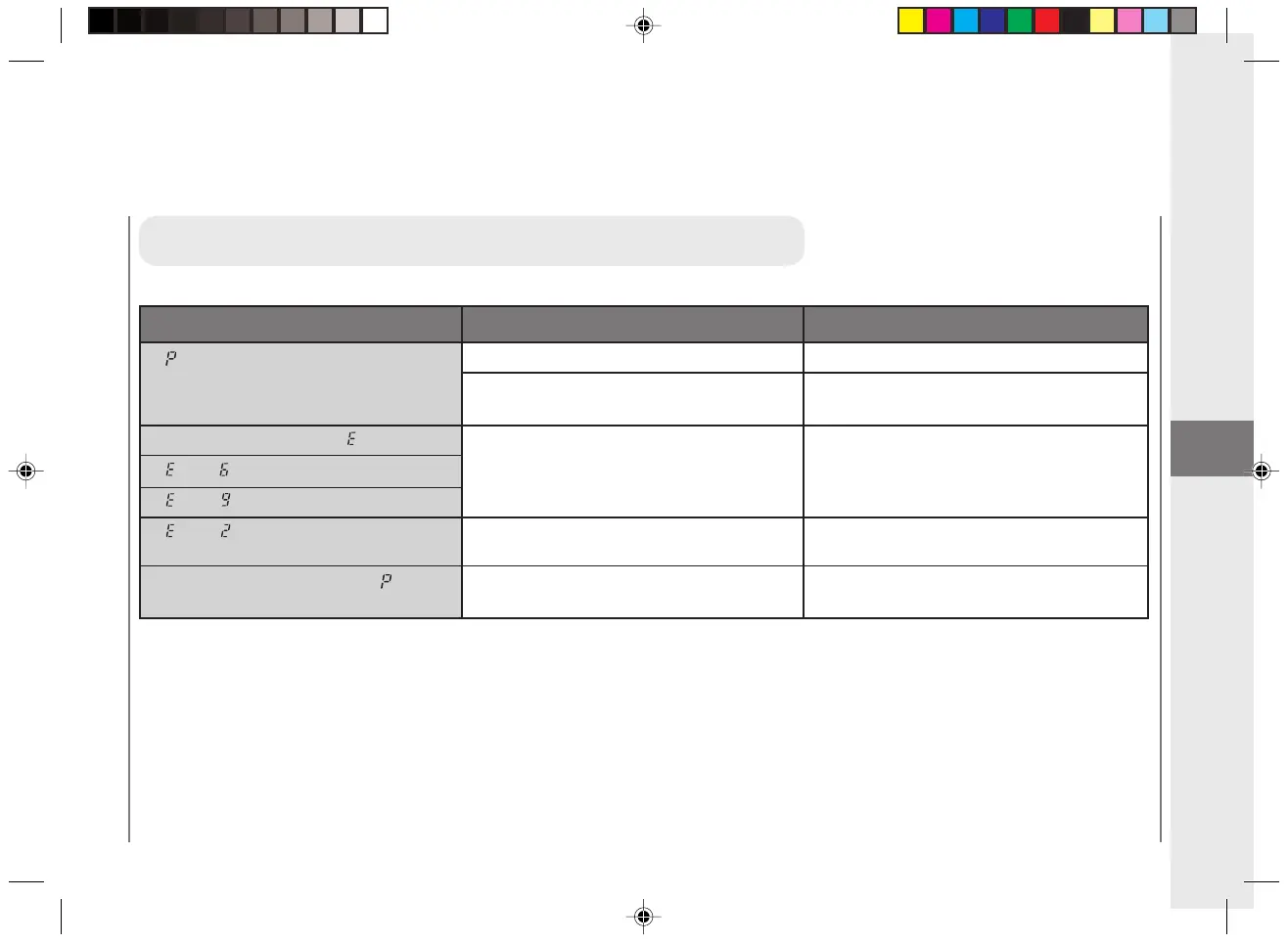
When Letters or Numbers Light Up / Flash
If lights up.
If the power cuts off after lights up.
If then flash alternately.
If then flash alternately.
If then flash alternately.
If paper jams occur often or if lights
up frequently.
Out of paper.
The paper in the multi-stack tray is not
loaded correctly.
Something unusual has happened.
Something unusual has happened.
The feeding roller is dirty.
Indicator
Possible Cause
Possible Remedy
Load the multi-stack tray.
Reload the paper properly.
Unplug the copier and contact your Canon
authorized service representative.
If there is a paper jam remove it, replace the
platen to the center and resume copying.
Follow the procedure for cleaning the
feeding roller.
MEMO:
Should any of the above mentioned remedies
not solve the problem, unplug the copier and
contact your Canon authorized service
representative.
When Error indicators Appear
03/ PC140-USA 10/10/03, 7:42 AM43



 To Next Page