Getting Started
21
1
Canon E20 Cartridge:
approx. 2,000 copies of an A4-size, standard original
The term A4 denotes an original; on which the area covered with ink is 5% of the total area of
an A4 sized sheet of paper. See the inside of the back cover of this manual for an example of
an A4 sized page with 5% ink coverage.
MEMO:
• The actual number of copies that can be made per cartridge depends in part on the copy exposure
settings, room temperature and humidity.
Approximate copy yield
Replacing Cartridges
Before removing the cartridge be
sure to turn the power switch
OFF.
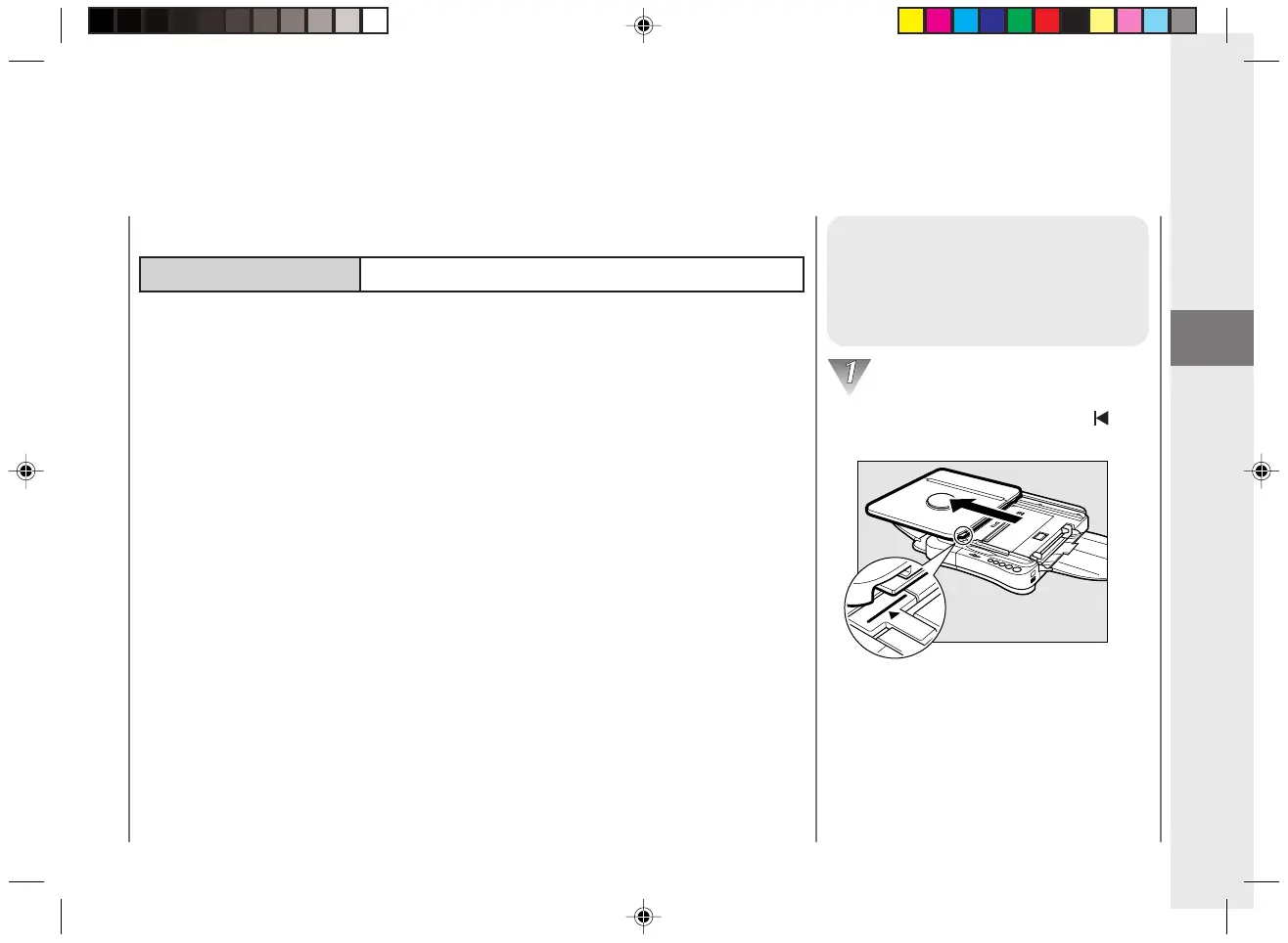
Slide the platen to the left until the
mark is exposed.
Replacing and Storing Cartridges
01/ PC140-USA 10/10/03, 7:35 AM21



 To Next Page