Troubleshooting
47
3
When Error Indicators Appear
NOTICE:
• Wait for the feeding roller to dry completely
before copying.
• Do not use any cleaning sprays to clean the
feeding roller.
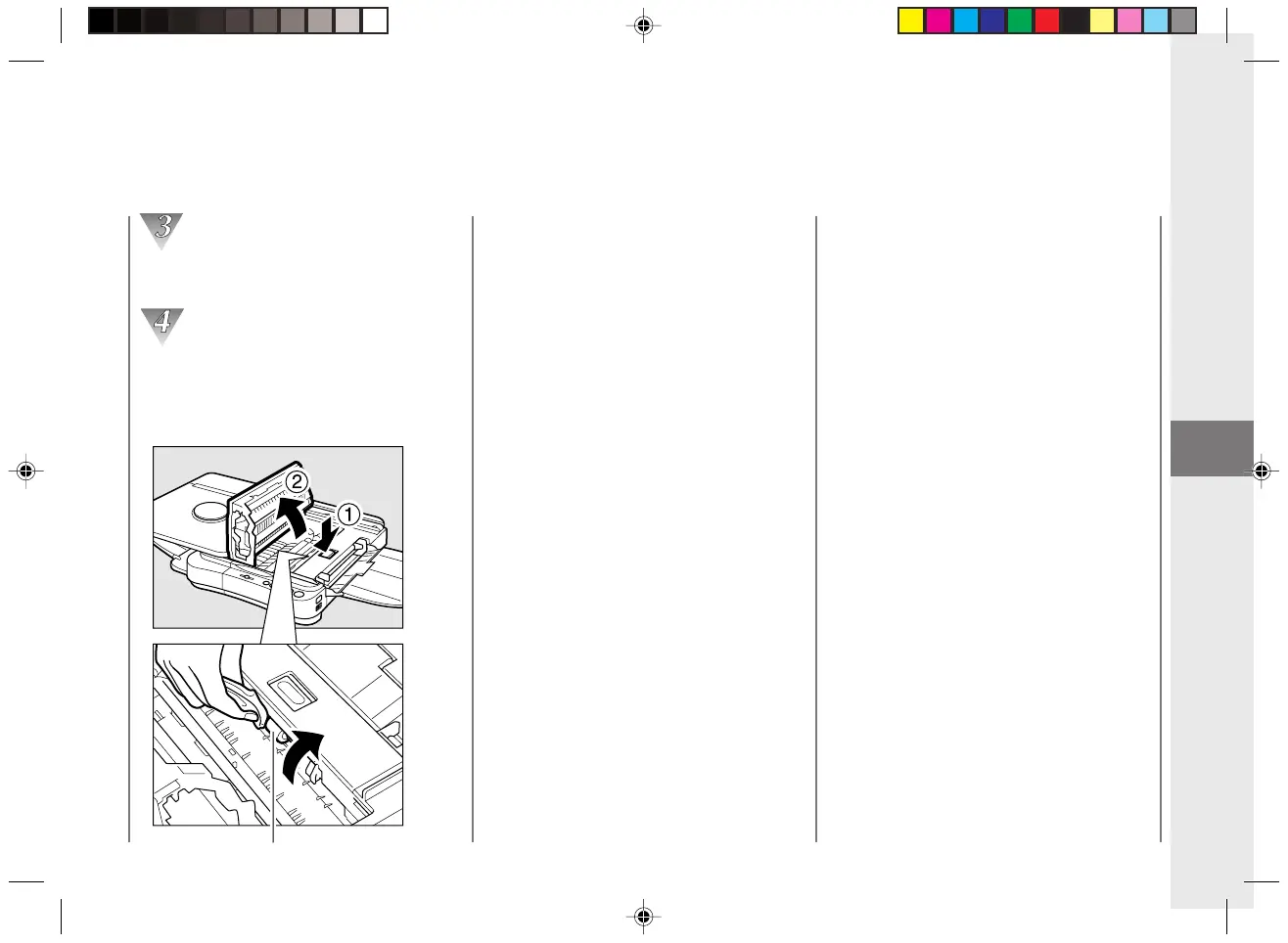
Press the top cover release button and
open the cover completely.
Wipe clean the roller while turning it in the
direction indicated by the arrows.
Use a clean cloth dampened with alcohol
(e.g., isopropyl) or water.
Feeding roller
03/ PC140-USA 10/10/03, 7:42 AM47



 To Next Page