Loading Paper in the Cassette
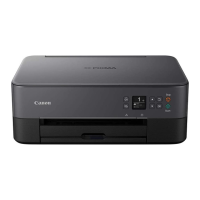
(9) paper guides
Align with right/left/front sides of the paper stack.
(10) cassette cover
Detach to load paper in the cassette.
(11) paper output tray
Printed paper is ejected. Pull out it before printing.
(12) paper output support
Extend to support ejected paper.
(13) output tray extension
Open to support ejected paper.
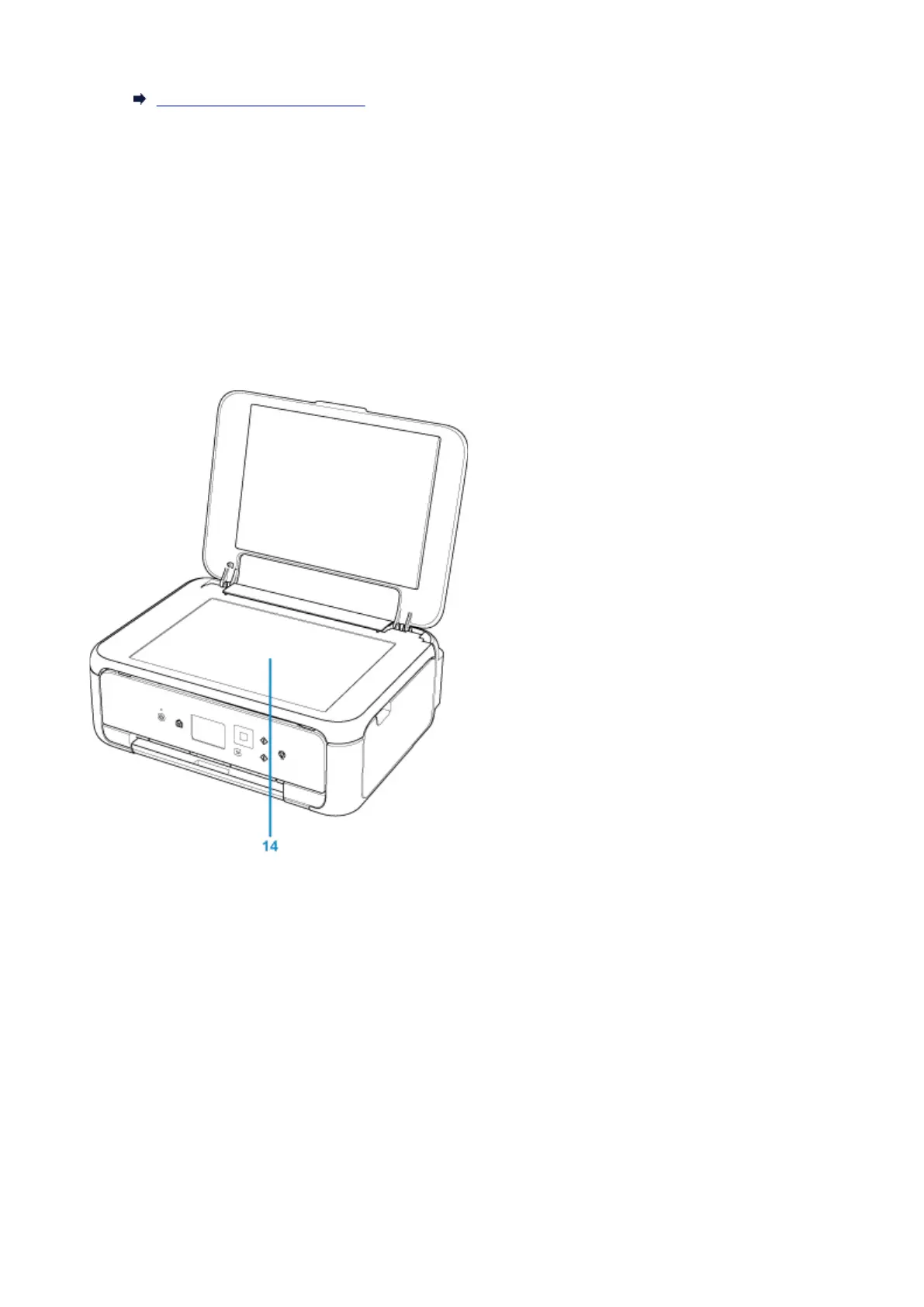
(14) platen glass
Load an original here.
137






 To Next Page