How to Detach / Attach the Document Cover
Detaching the document cover:
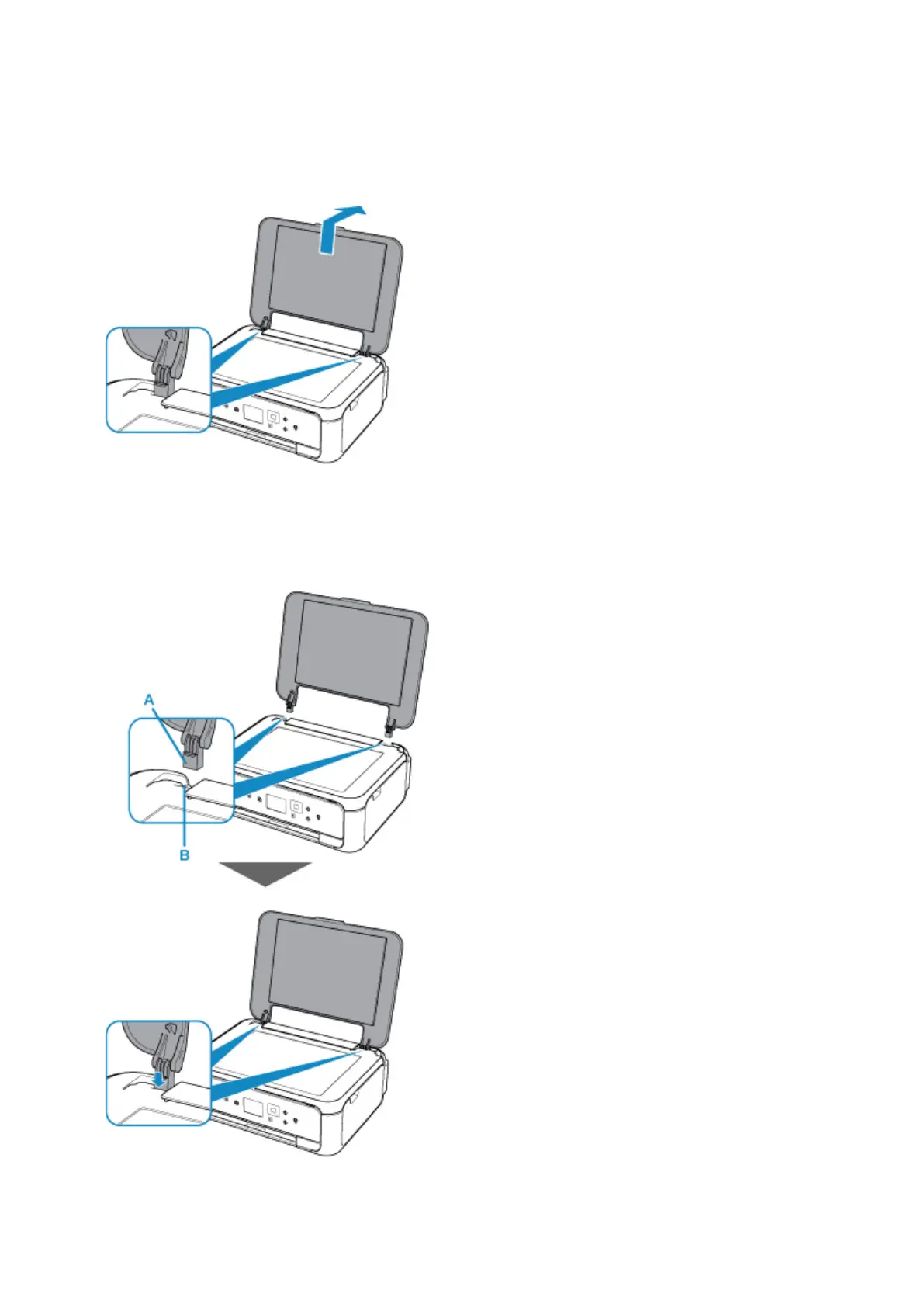
Hold up the document cover vertically and then tip it back.
Attaching the document cover:
Fit both hinges (A) of the document cover into the holder (B) and insert both hinges of the document cover
vertically as illustrated below.
75












 To Next Page