Paper Is Smudged / Printed Surface Is Scratched
Paper Is Smudged
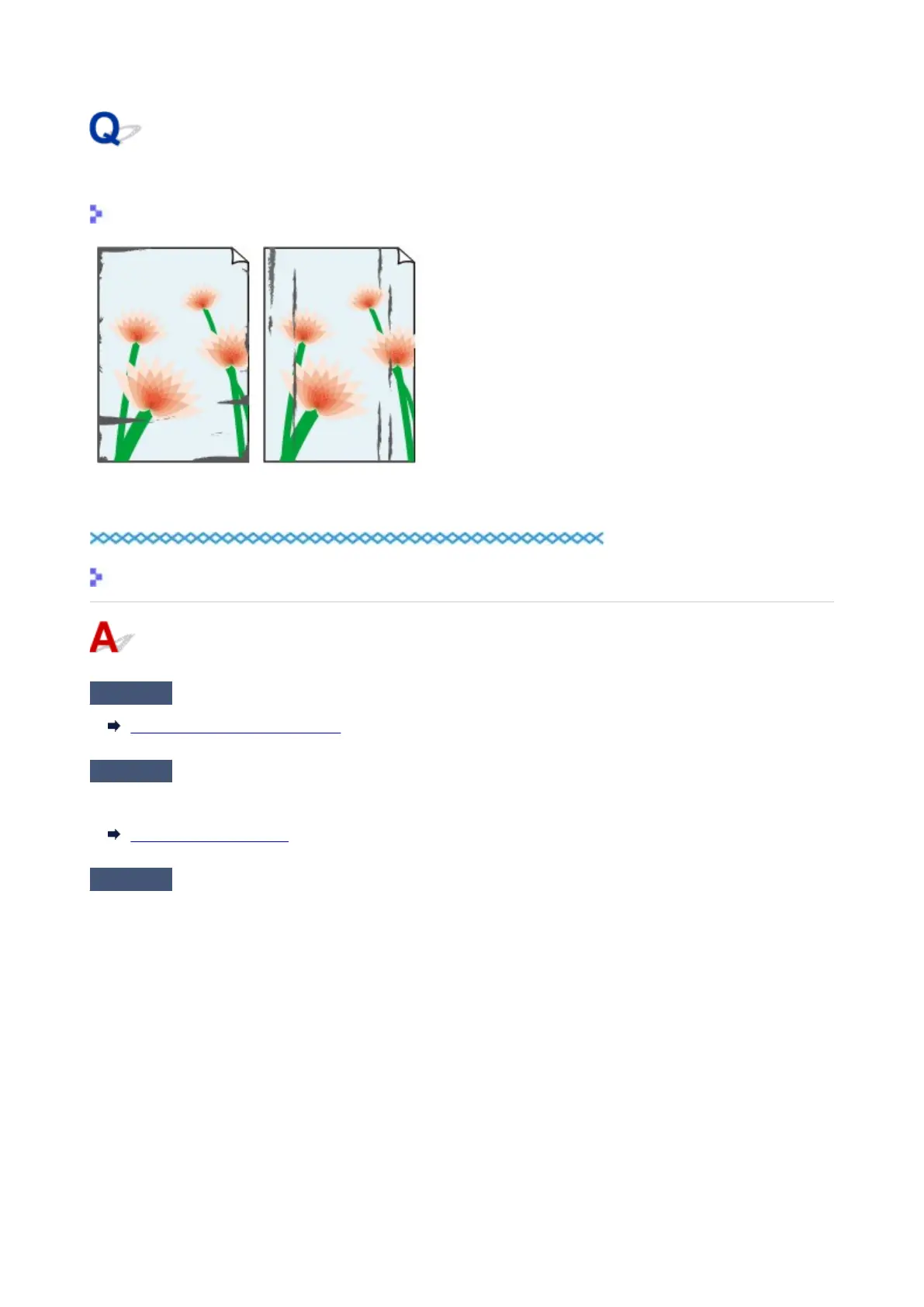
Smudged Edges Smudged Surface
Printed Surface Is Scratched
Check1
Check paper and print quality settings.
Print Results Are Unsatisfactory
Check2
Check paper type.
Make sure you are using the right paper for what you are printing.
Supported Media Types
Check3
Correct curl before loading paper.
We recommend putting unused paper back into the package and storing it flat.
•
Plain Paper
Turn the paper over and reload it to print on the other side.
Leaving the paper loaded on the rear tray for a long time may cause the paper to curl. In this case, load the
paper with the other side facing up. It may resolve the problem.
• Other Paper
If the paper corners curl more than 0.1 inch / 3 mm (A) in height, the paper may smudge or may not feed
properly. Follow the instructions below to correct the paper curl.
283












 To Next Page