Turning the Printer On and Off
Turning on the printer
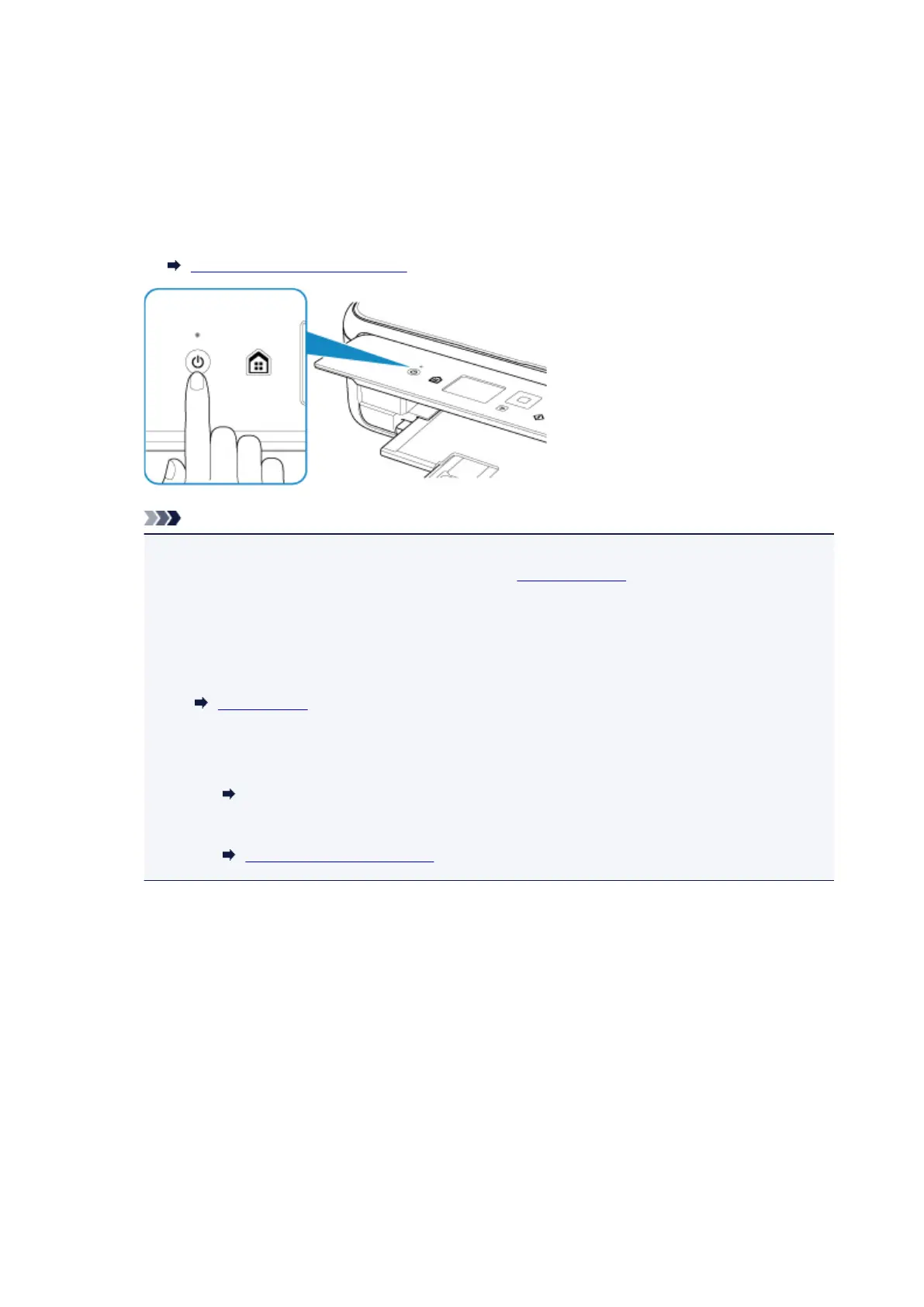
1. Press the ON button to turn on the printer.
The ON lamp flashes and then remains lit.
Confirming that the Power Is On
Note
• It may take a while for the printer to start printing immediately after you turn on the printer.
• If an error message is displayed on the LCD, see An Error Occurs.
• You can set the printer to automatically turn on when a print or scan operation is performed
from a computer connected by USB cable or wireless network. This feature is set to off by
default.
From the printer
ECO settings
From the computer
• For Windows:
Managing the Printer Power
• For Mac OS:
Managing the Printer Power
Turning off the printer
1. Press the ON button to turn off the printer.
When the ON lamp stops flashing, the printer is turned off.
143












 To Next Page