Printing of Envelopes
For printing on the envelope from Mac with AirPrint, refer to the following.
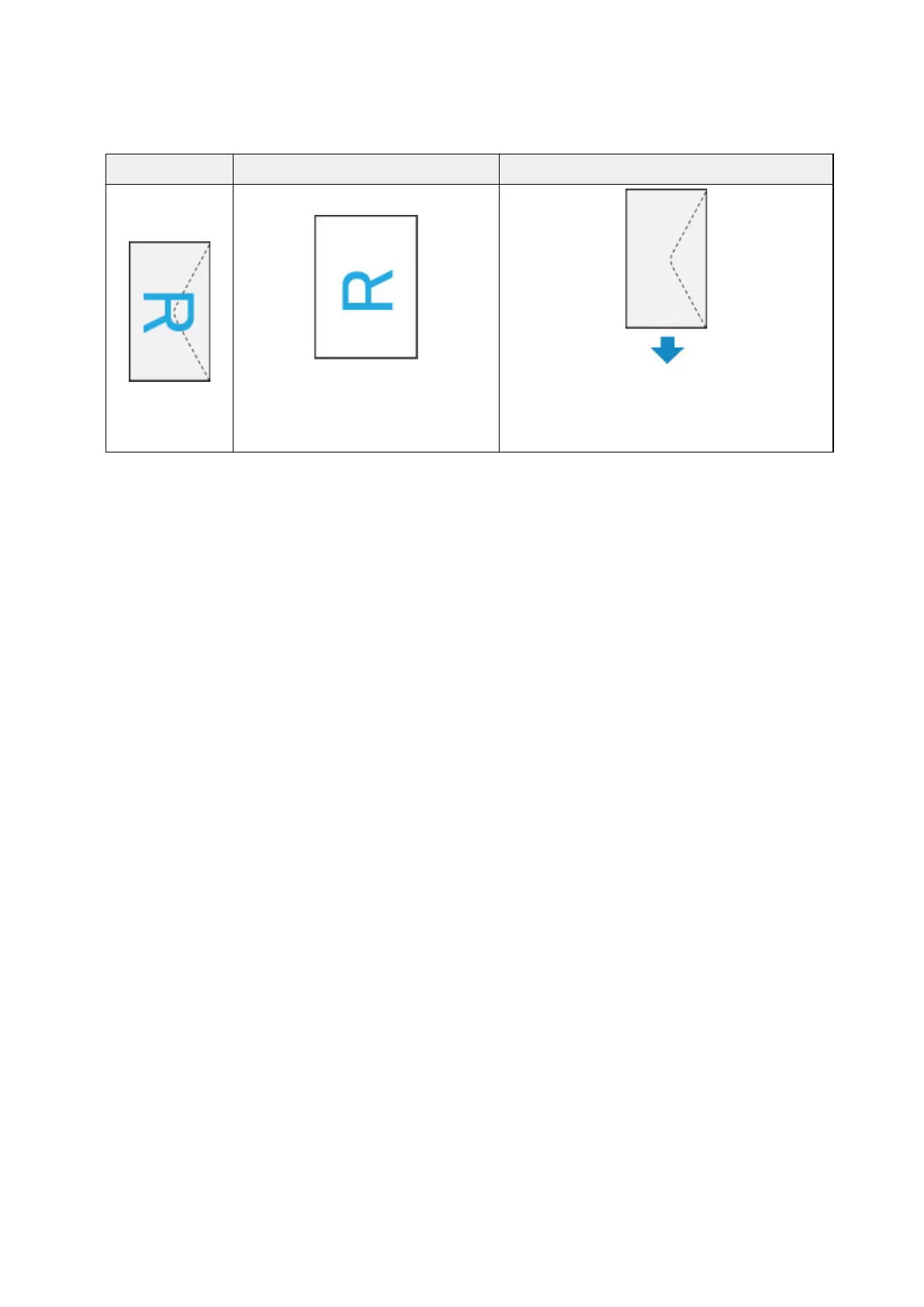
Print result image Orientation of print data Orientation of loading envelope
The print data is rotated by 180 degrees
against the print result image.
Load the envelope in vertically with the address side
facing up so that the folded flap of the envelope will
be faced down on the right side.
190












 To Next Page