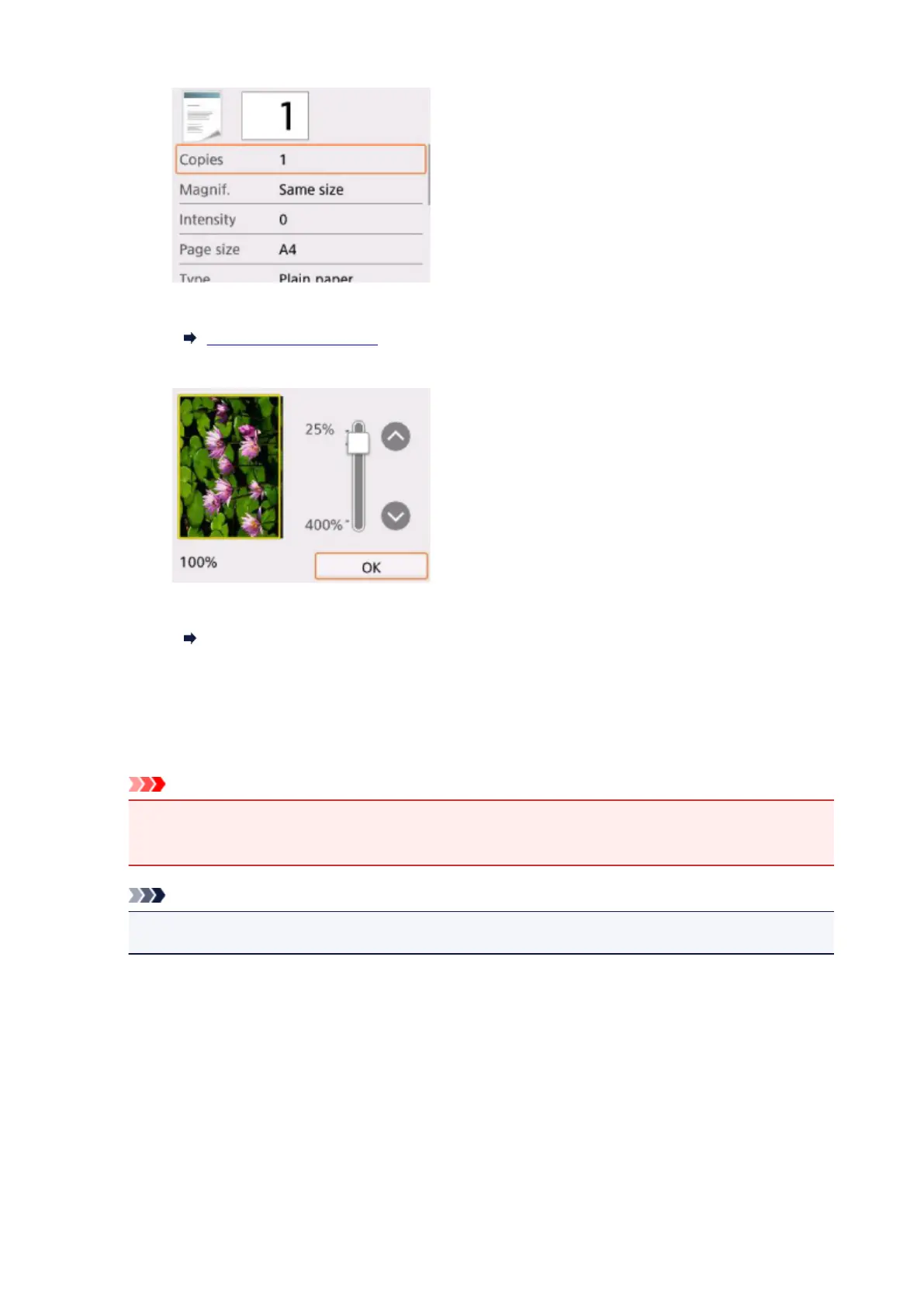
For more on the setting items:
Setting Items for Copying
C.
Displays the preview screen to preview an image of the printout.
For details:
Displaying Preview Screen
7.
Press Color button for color copying, or Black button for black & white copying.
The printer starts copying.
Remove the original on the platen glass after copying is complete.
Important
• Do not open the document cover or remove the original from the platen glass until scanning is
completed.
Note
•
To cancel copying, press the Stop button.
Adding Copying Job (Reserve copy)
You can add the copying job while printing (Reserve copy).
The screen below is displayed when you can add the copying job.
217






 To Next Page