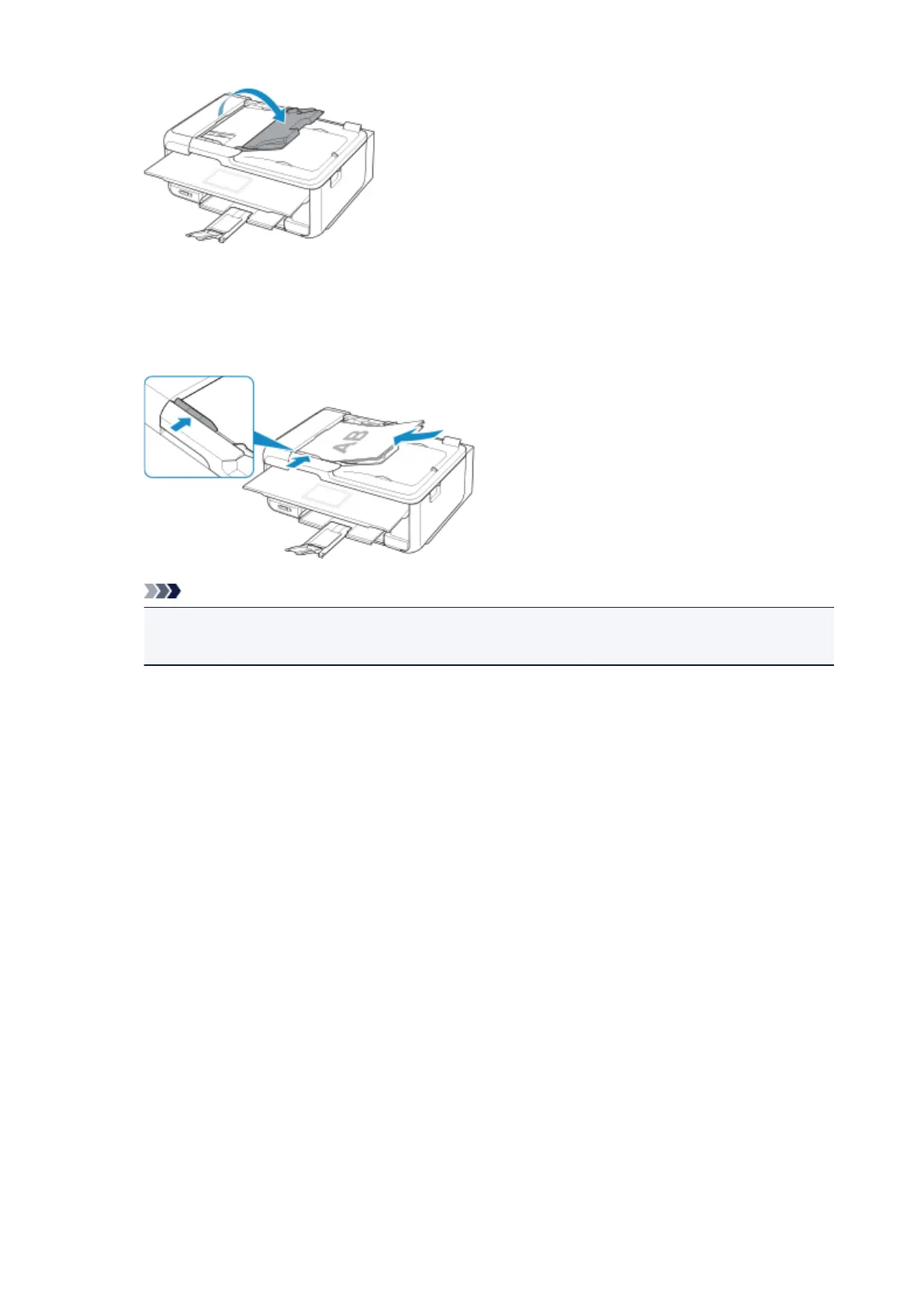
2. Place documents on ADF, and then adjust document guides to width of documents.
Insert the documents face-up until a beep sounds.
To scan both sides of the documents, place the documents face-up.
Note
• When scanning duplex documents, place the front sides facing up. They will not be scanned
correctly if placed the other way around.
233












 To Next Page