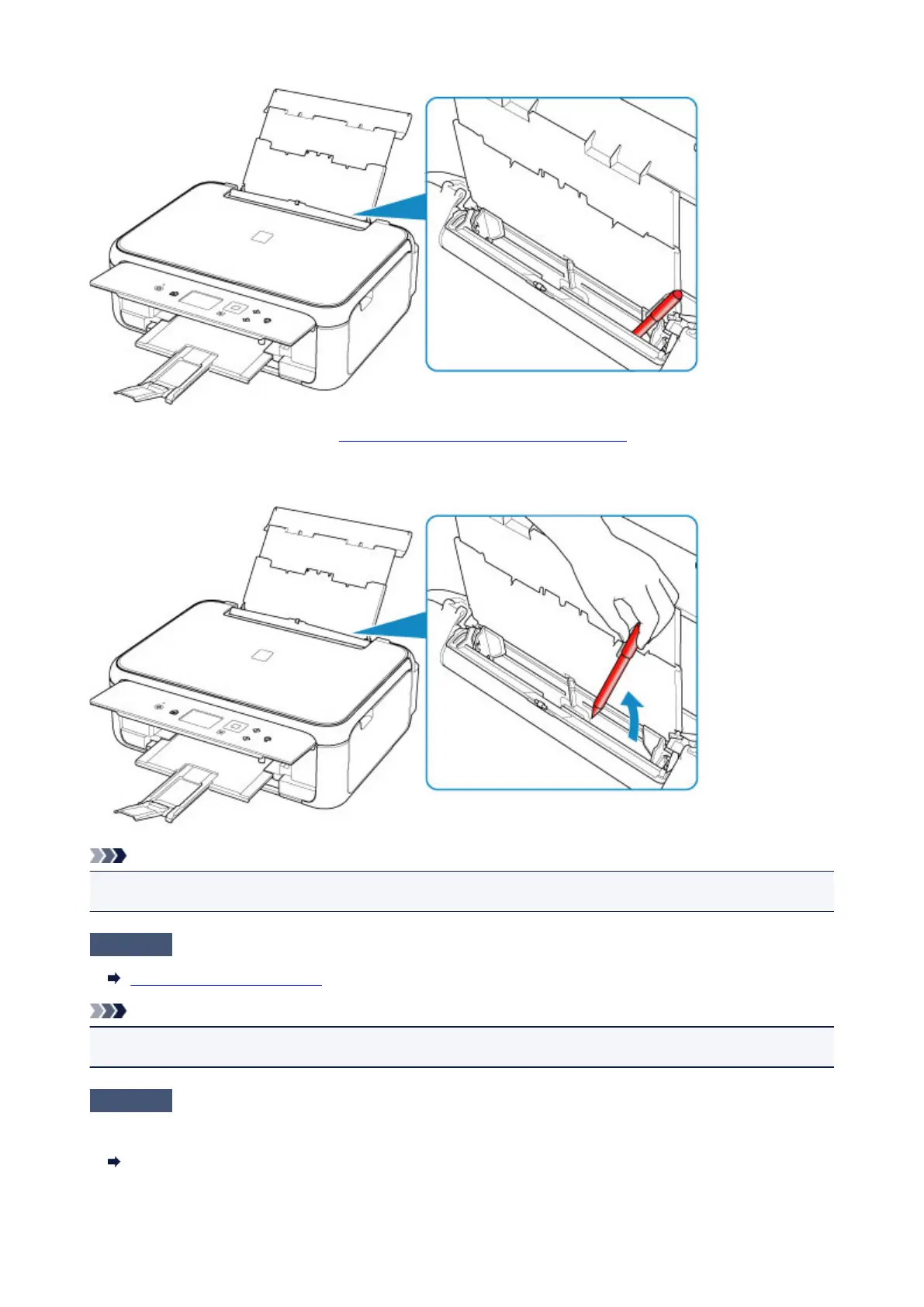
If the paper tears in the rear tray, see List of Support Code for Error (Paper Jams) to remove it.
If there are any foreign objects in the rear tray, be sure to turn off the printer, unplug it from the power supply,
then remove the foreign object.
Note
•
If the feed slot cover is opened, close it slowly.
Check7
Clean paper feed roller.
Cleaning Paper Feed Rollers
Note
• Cleaning the paper feed roller abrades it, so do this only when necessary.
Check8
If two or more sheets of paper feed from cassette at once, clean inside of
cassette.
Cleaning Cassette Pads
274












 To Next Page