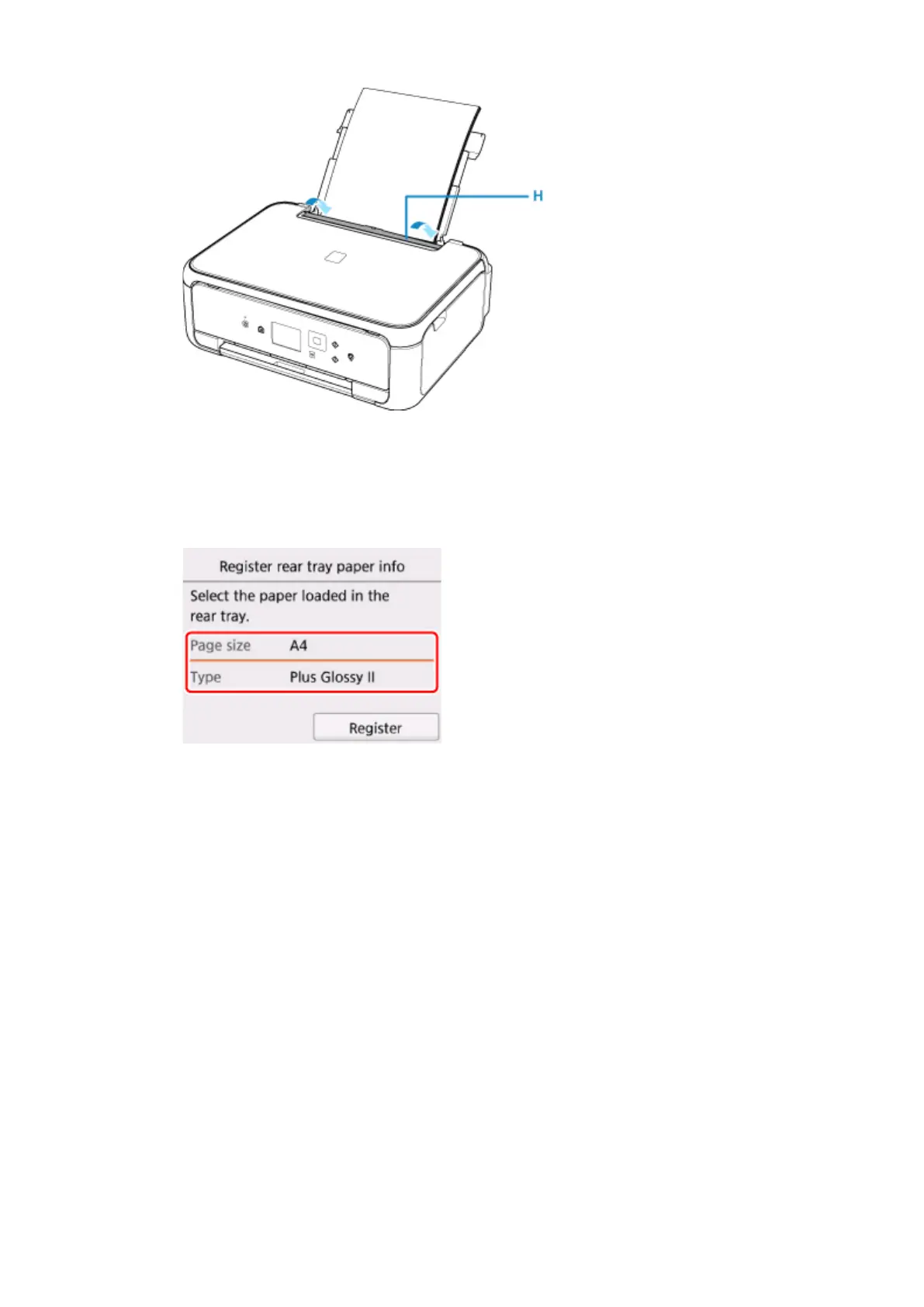
After closing the feed slot cover, the paper information registration screen for the rear tray is displayed on
the LCD.
6.
Select the size and type of the loaded paper in the rear tray at Page size and Type, and then
select Register.
7.
Open the operation panel (I), pull out the paper output tray (J) and paper output support (K),
and open the output tray extension (L).
Be sure to open the operation panel before printing. If the operation panel is close, the printer does not start
printing.
57












 To Next Page