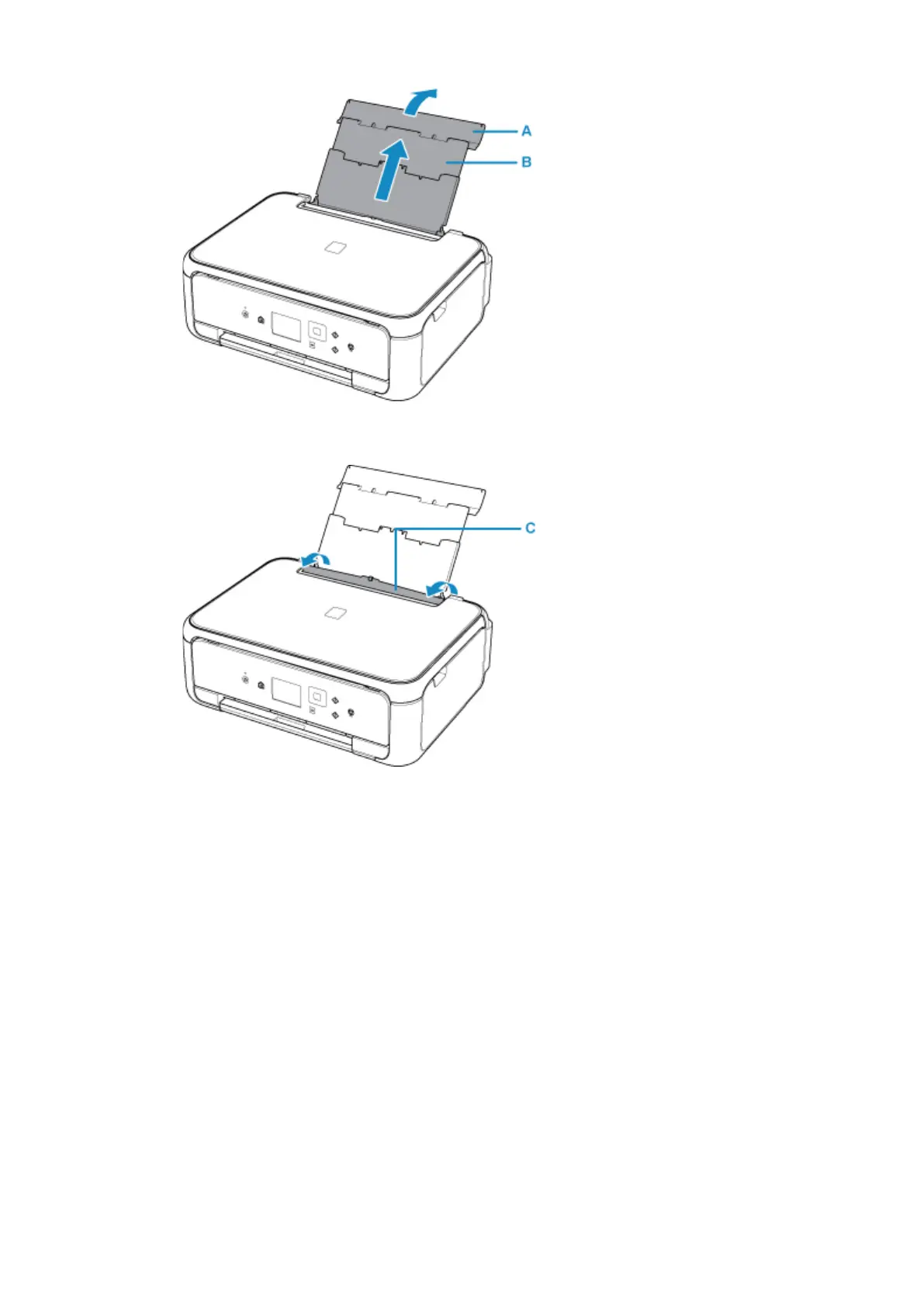
2. Open the feed slot cover (C).
3.
Slide the paper guides (D) to open them, and load the envelopes in the center of the rear tray
WITH THE PRINT SIDE FACING UP.
Fold flap of the envelope and load the envelope in the portrait orientation with the address side facing up.
Up to 10 envelopes can be loaded at once.
4. Slide the paper guides (D) to align them with both sides of the envelopes.
Do not slide the paper guides too hard against the envelopes. The envelopes may not be fed properly.
65












 To Next Page