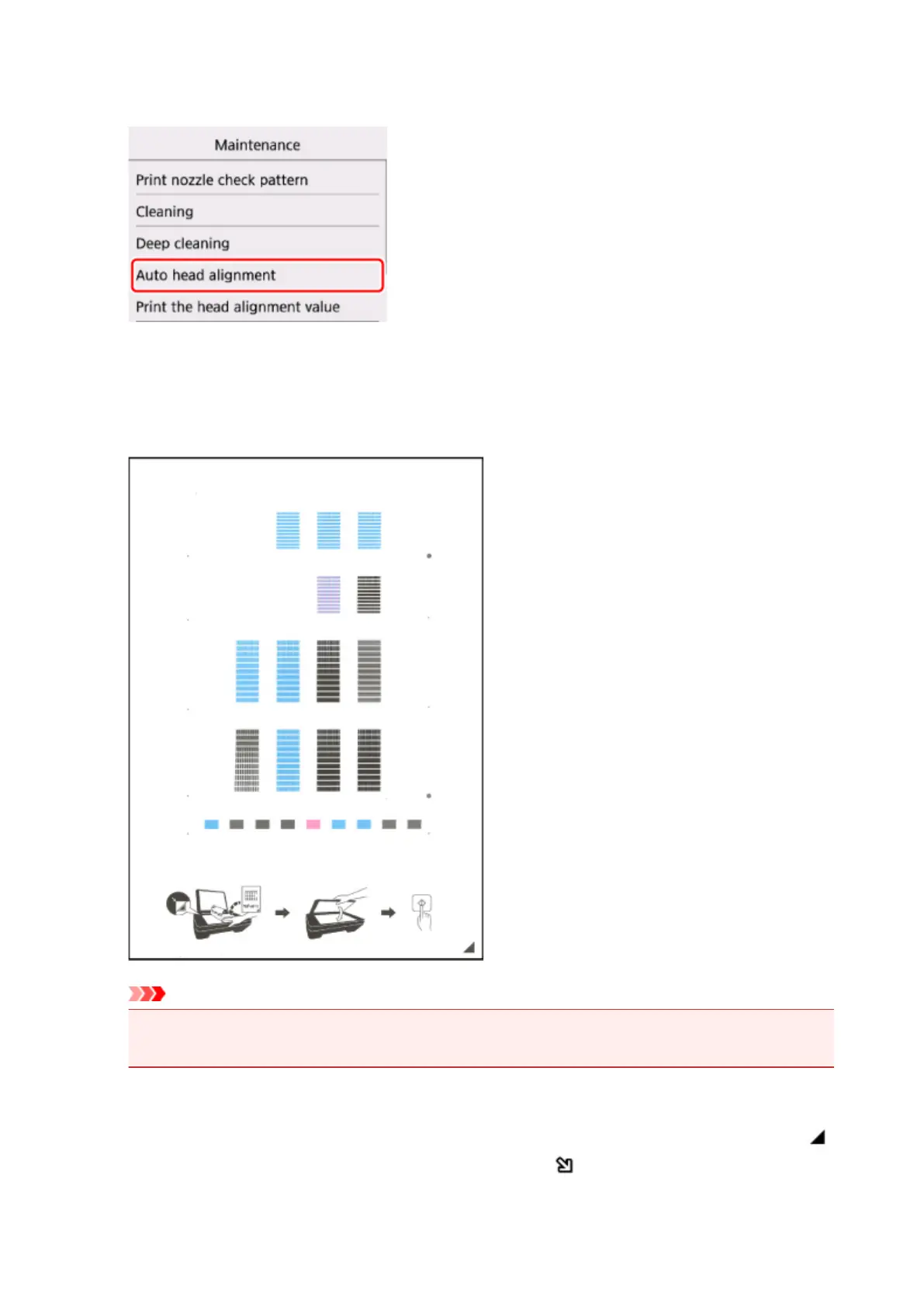
6. Select Auto head alignment.
The confirmation screen will appear.
7.
Confirm the message, then select Yes.
The print head alignment sheet will be printed.
Important
•
Do not touch any printed part on the print head alignment sheet. If the sheet is stained or wrinkled,
it may not be scanned properly.
8. Confirm the message, then load the print head alignment sheet on the platen glass.
Load the print head alignment sheet WITH THE PRINTED SIDE FACING DOWN and align the mark
on the bottom right corner of the sheet with the alignment mark .
98












 To Next Page